35
Windows of PC will detect HDD of ME1 automatically. You can use file
explorer to manipulate the files in HDD of ME1.
Note:
1. The OS of PC needs to be compatible with Windows XP and
above.
2. Use safely removal function in Windows to stop the HDD before
removing the USB connection.
3. DO NOT break the USB connection when HDD is writing or
reading.
VI. Setup
Select Setup icon on the top MENU to enter Setup menu..
Press
g
,
h
key to select setup type. Press
i
,
j
key to select an item and
press
ENTER
key to setup.
When setting up an item, the choice of the item display on the right side of the
menu. Press
i
,
j
key to select a choice, and press
ENTER
key to confirm the
change. Press RETURN key to cancel the setup.
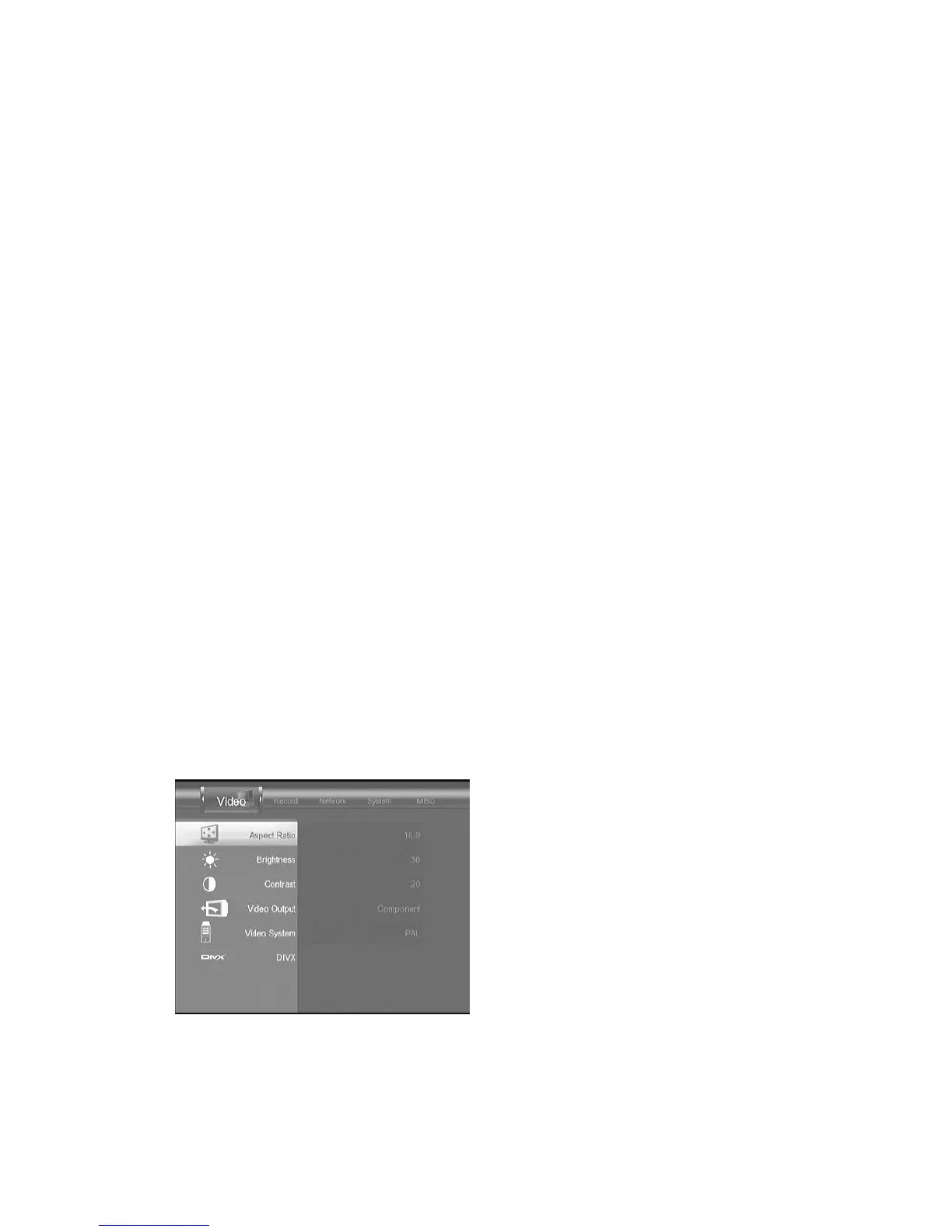
A. Video setup
Figure Video
setup menu
1. Aspect Ratio



 To Next Page