Set Bluetooth
Bluetooth
Device
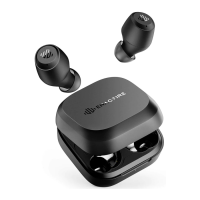
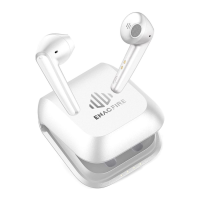
ENACFIRE F1
Approach 2 - Earphones Standalone
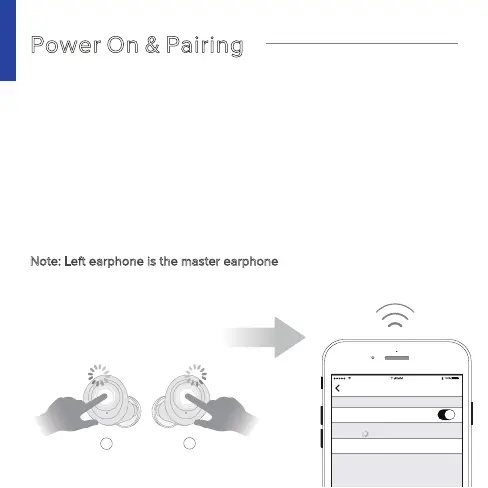
Power On & Pairing
' '
Earphones will start paring automatically with Blue and White light
flash alternatively
Connection: Select 'ENACFIRE F1' from the device's Bluetooth list
Note: Left earphone is the master earphone
5
R
L
touch 2 sec



 To Next Page