Need help?
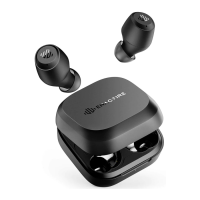
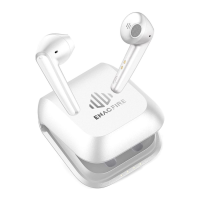
Do you have a question about the ENACFIRE F2 and is the answer not in the manual?
Connect earphones using the charging case and Bluetooth.
Power on and pair earphones manually without the charging case.
Tap the Left/Right earphone once to answer or end a call.
Touch the Left/Right earphone for 2 seconds to reject a call.
Control music playback and activate voice assistant by tapping earphone.
Navigate tracks and adjust volume by tapping or holding earphone.
Place earphones in charging case to power off automatically.
Turn off Bluetooth or touch earphone for 8 seconds to power off.
Understand LED indicators for earphone charging status.
Monitor charging case battery level via LED lights.
 General
| Type | In-ear |
|---|---|
| Connectivity | Wireless |
| Wireless Technology | Bluetooth |
| Bluetooth Version | 5.0 |
| Water Resistance | IPX7 |
| Charging Case | Yes |
| Driver Size | 6mm |
| Driver | Dynamic |
| Frequency Response | 20 Hz - 20 kHz |
| Impedance | 16Ω |
| Bluetooth Range | 10 meters |
| Charging Time (Earbuds) | 1.5 hours |
| Charging Time (Charging Case) | 2 hours |
| Weight (Charging Case) | 40 g |


 To Next Page