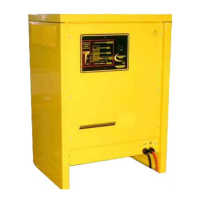
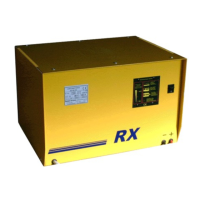
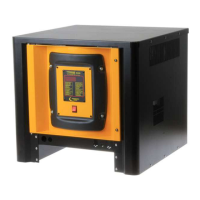
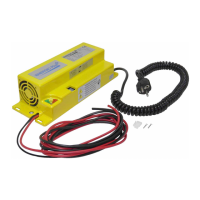
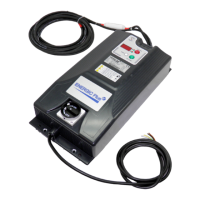
Battery Charger RLD
User's Manual
6. Trouble shooting
SYMPTOM POSSIBLE CAUSES ACTION
Charger does not
react to battery
being connected,
and display
remains OFF.
A
1 Battery not connected properly. Check battery connectors/harness.
2
Charger has been connected to
forklift motor connector.
Disconnect forkift motor and
connect battery.
3 Output cables reversed.
Check charger, connectors and battery
polarities. Output fuse is probably blown.
4 Bad control board connection. Check board connectors (green).
5 Bad control board. Replace control board.
The charger-
process aborts
itself and the
message
appear.
B Output fuse blown.
Replace output fuse and adjust AC input
setting.
When battery is
connected,
message
appear.
C
1 AC input is absent.
Check AC input voltage on each phase.
Check AC input connections.
Check AC disconnect switch and fuses.
2 Bad contactor. Replace contactor.
Output current
is too high
D
1 Wrong AC input settings. Adjust AC input settings to higher voltage.
2 One or more cells are shorted. Repair battery.
Output current
is too low
E
1 Wrong AC input settings. Adjust AC input settings to lower voltage.
2 One AC phase is absent. Check AC input voltage on each phase.
3 One or more diodes blown. Replace rectifier.
4 Bad contactor. Replace contactor.
Charger
smells hot
F
1
Bad location.
Install the charger in proper location.
2 Ventilation slots obstructed. Remove objects which may obstruct slots.
3 Wrong AC input settings. Adjust AC input settings to higher voltage.
4 Bad or loose power wirings. Check and thighten all power wirings.
5 Transformer burned. Replace transformer.
OWM-AR-D-[] Page 22 of 23
WARNING !
The charger can be repaired by qualified personnel only!
To avoid the risk of electrical injuries, the user is not allowed to open the cabinet.


 To Next Page