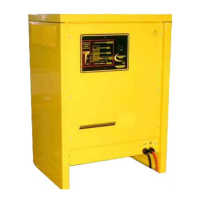
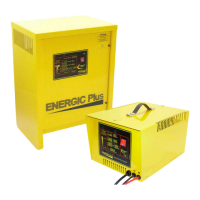
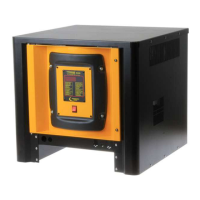
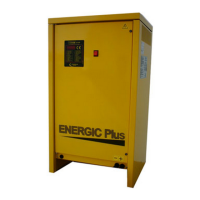
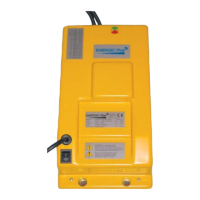
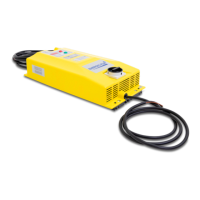
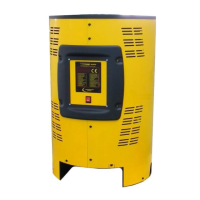
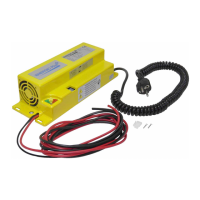
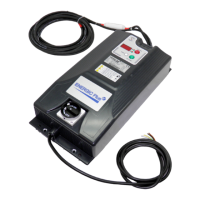
Battery Charger RX
User's Manual
TROUBLE SHOOTING GUIDE
SYMPTOM POSSIBLE CAUSES ACTION
Charger does not
react to battery
being connected,
and LED control
panel remains
OFF.
A
1 Battery not connected properly. Check battery connectors/harness.
2
Charger has been connected to
forklift motor connector.
Disconnect forkift motor and
connect battery.
3 Output cables reversed.
Check charger, connectors and battery
polarities. Output fuse is probably blown.
4 Bad control board connection. Check board connectors (green).
5 Bad control board. Replace control board.
Output current is
absent.
B Output fuse blown.
Replace output fuse and adjust AC input
setting.
All the control
LEDs flash
alternately.
C
1 AC input is absent.
Check AC input voltage on each phase.
Check AC input connections.
Check AC disconnect switch and fuses.
2 Bad contactor. Replace contactor.
Output current is
too high.
D
1 Wrong AC input settings. Adjust AC input settings to higher voltage.
2 One or more cells are shorted. Repair battery.
Output current
is too low.
E
1 Wrong AC input settings. Adjust AC input settings to lower voltage.
2 One AC phase is absent. Check AC input voltage on each phase.
3 One or more diodes blown. Replace rectifier.
4 Bad contactor. Replace contactor.
Charger
smells hot.
F
1
Bad location.
Install the charger in proper location.
2 Ventilation slots obstructed. Remove objects which may obstruct slots.
3 Wrong AC input settings. Adjust AC input settings to higher voltage.
4 Bad or loose power wirings. Check and thighten all power wirings.
5 Transformer burned. Replace transformer.
Charger
too noisy
G
1 Bad contactor. Replace contactor and freewheeling diode.
2 One or more diodes shorted. Replace rectifier.
Battery has low
S.G. and/or
doesn't
last full shift .
H
1 Wrong AC input settings. Adjust AC input settings to lower voltage.
2 Battery capacity too low. Replace battery.
Battery
temperature
too high.
I
1 Wrong AC input settings. Adjust AC input settings to higher voltage.
2 Battery power demand too high. Consider purchasing bigger Ah battery.
3 Insufficient cool down time.
Increase cool down time before/after
charging.
4 Automatic stop doesn't work. Check and replace board and/or contactor.
OWM-040906-RX Version: 02-AB Page 21 of 25


 To Next Page