42
OBIS code value Type of accounted energy Tariff
4.8.0 Reactive exported
R-
Total by tariffs 1-8
4.8.1 Reactive exported Tariff 1
4.8.2 Reactive exported Tariff 2
•
•
•
•
•
•
•
•
•
4.8.10 Reactive exported Tariff 10
24.8.0 Reactive exported Phase 1 (L1)
44.8.0 Reactive exported Phase 2 (L2)
64.8.0 Reactive exported Phase 3 (L3)
4.2.1 Viewing total accumulations when the meter is powered from the network
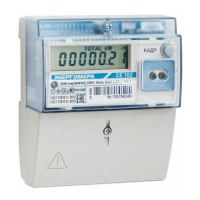
Browse to the first group of meter parameters. To do this, press
8
and hold the «FRAME» button, then, after
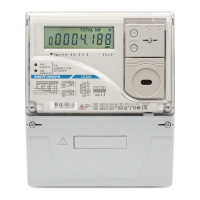
«GROUP 1» appears on the indicator, release the button. On the LCD screen, the first frame of the viewed «GROUP 1»
group parameters will be displayed, containing information on the amount of imported active energy, cumulatively,
by tariffs 1-8.
Table 4.3 (continued)
8
In meter versions with LCD backlight, when the backlight is off, the first button pressed turns on the backlight without changing
the frame.


 To Next Page