46
BROWSER
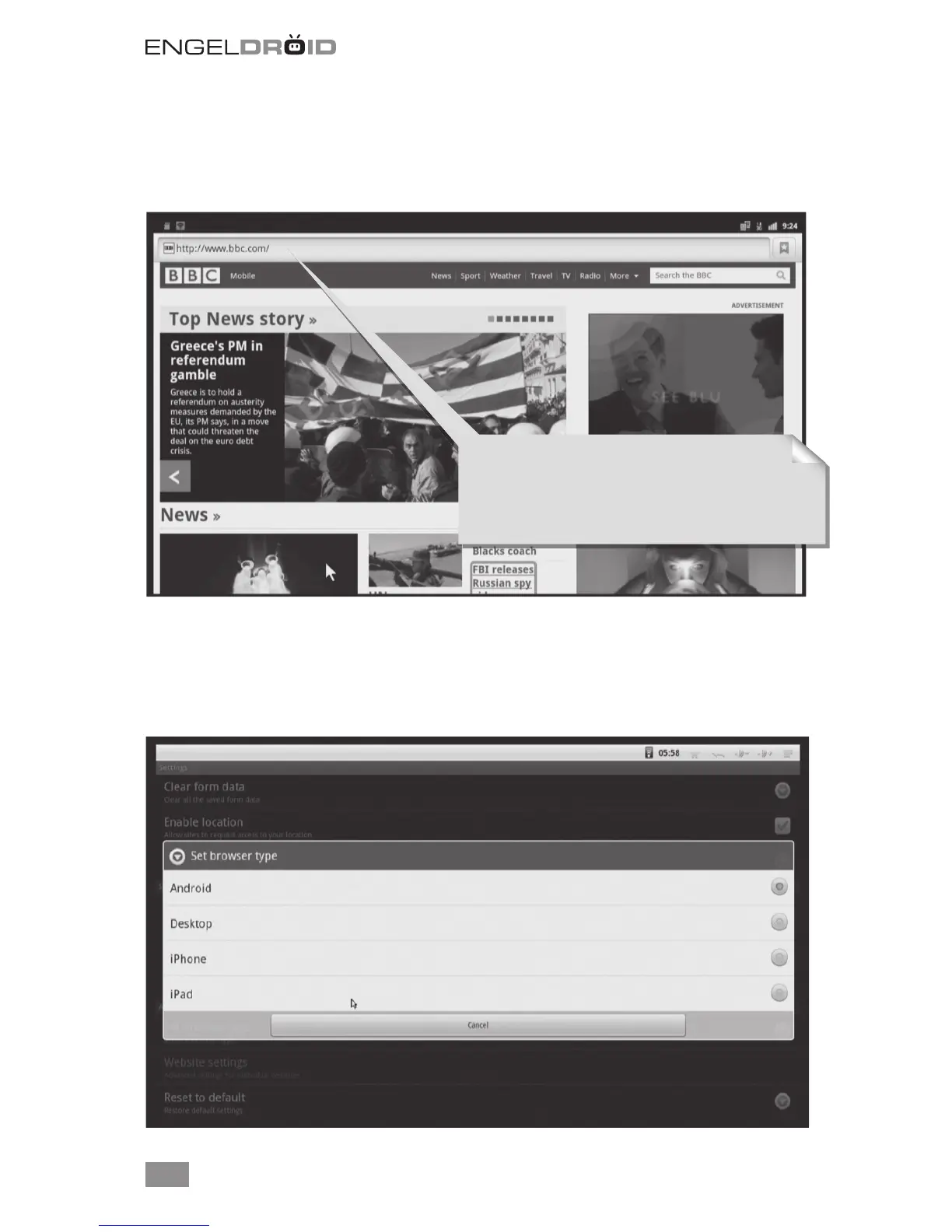
Visit any website around the world. Read news, view online videos. Press left mouse
button on the input window for a while, it will list all input methods you installed.
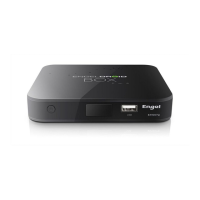
Set browser type.
Set browser type to Andorid, Desktop, iPhone or iPad mode for di erent web page
view. The default is Android mode. This option is useful to improve the user experience.
Click Menu button on the upper right corner or press F1 button on keyboard, choose
More->Settings, you will see these four types in the list.
The address (URL) of the current page.
Some sites scroll the URL bar off the top of the
screen, but you can drag the page down or press
Menu to see it again.


 To Next Page