ENGLISH
49
VPN settings
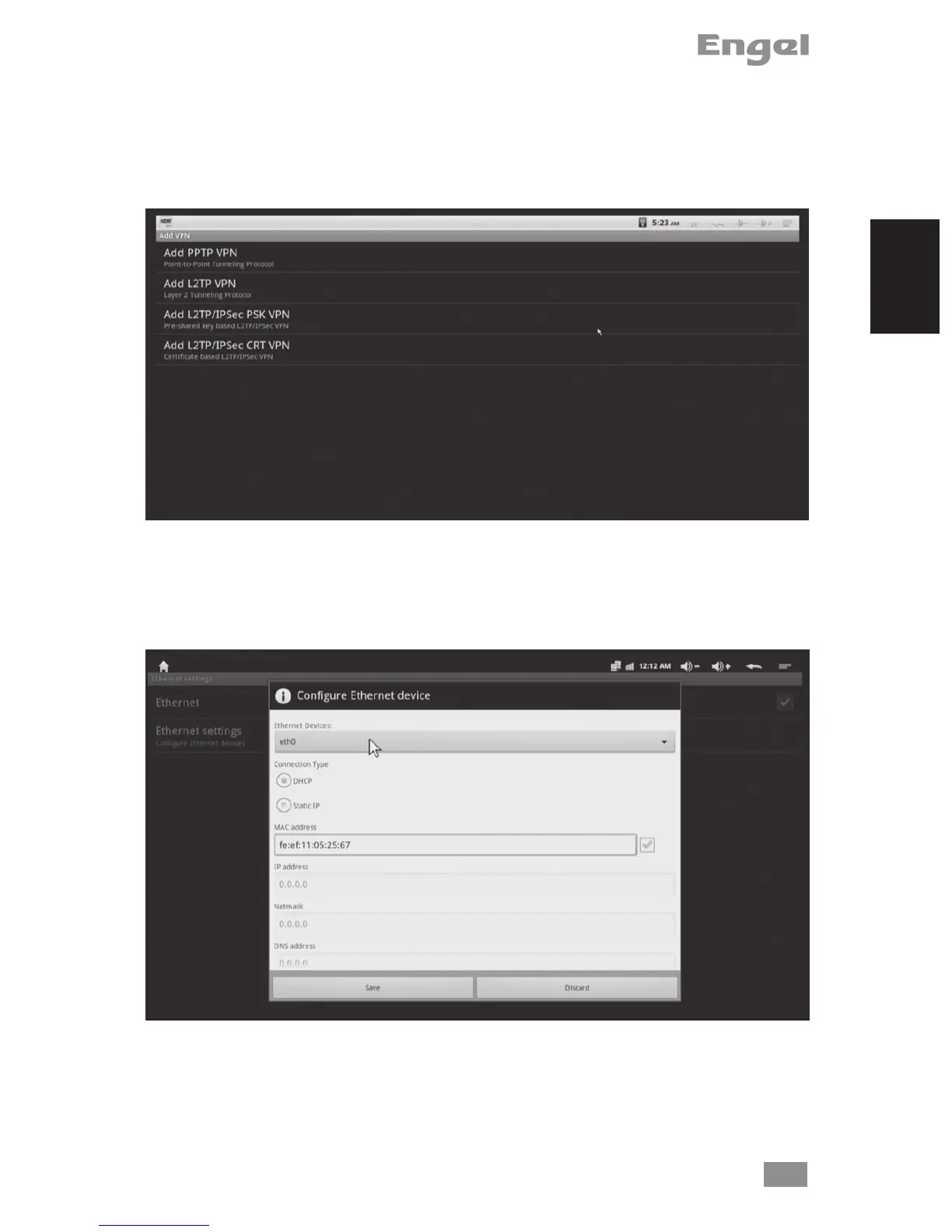
Enter VPN setting to add VPN, there are four VPN types.
Choose one of them, and click Menu button on the upper right corner or press F1
button on the keyboard to save / cancel settings.
2. Ethernet settings
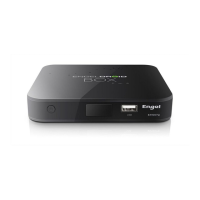
Enable Ethernet setting, it will connect to Ethernet automatically, you also can con-
gure Ethernet device by manual.


 To Next Page