56
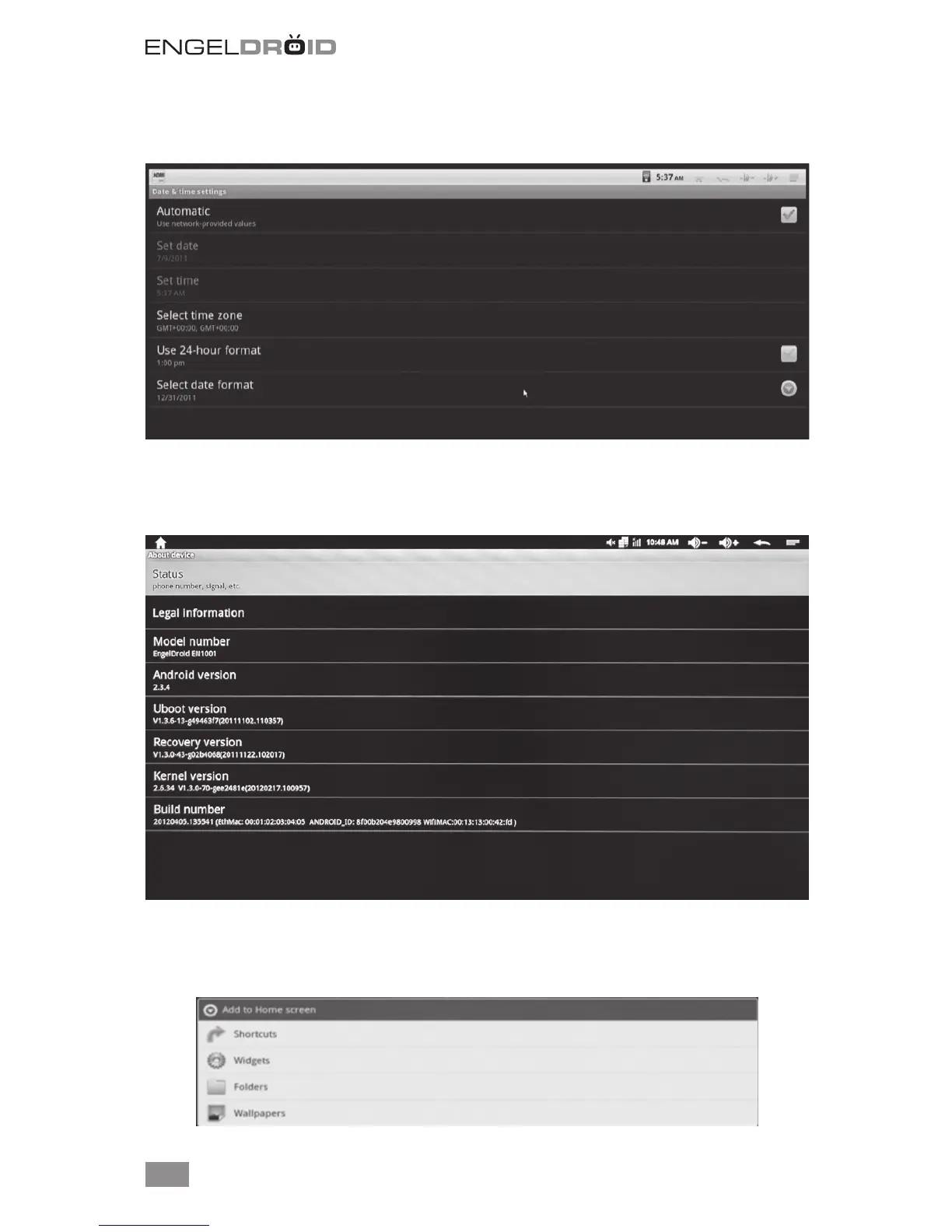
9. Date & Time
Set up date and time zone. You also can use internet time as automatic update.
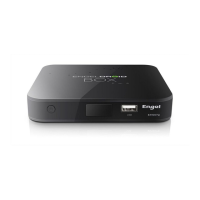
10. About device
Shows model number and system version. It includes Legal information, U boot, Reco-
very and Kernel version.
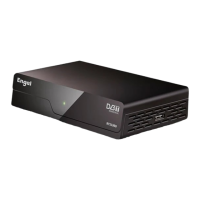
11. Add/Change Shortcuts, Widgets, Folders and Wallpapers.
Press left mouse button on the home screen for a while to add Shortcuts, Widgets,
Folders and Wallpapers.


 To Next Page