39
7.2 Wireless Security
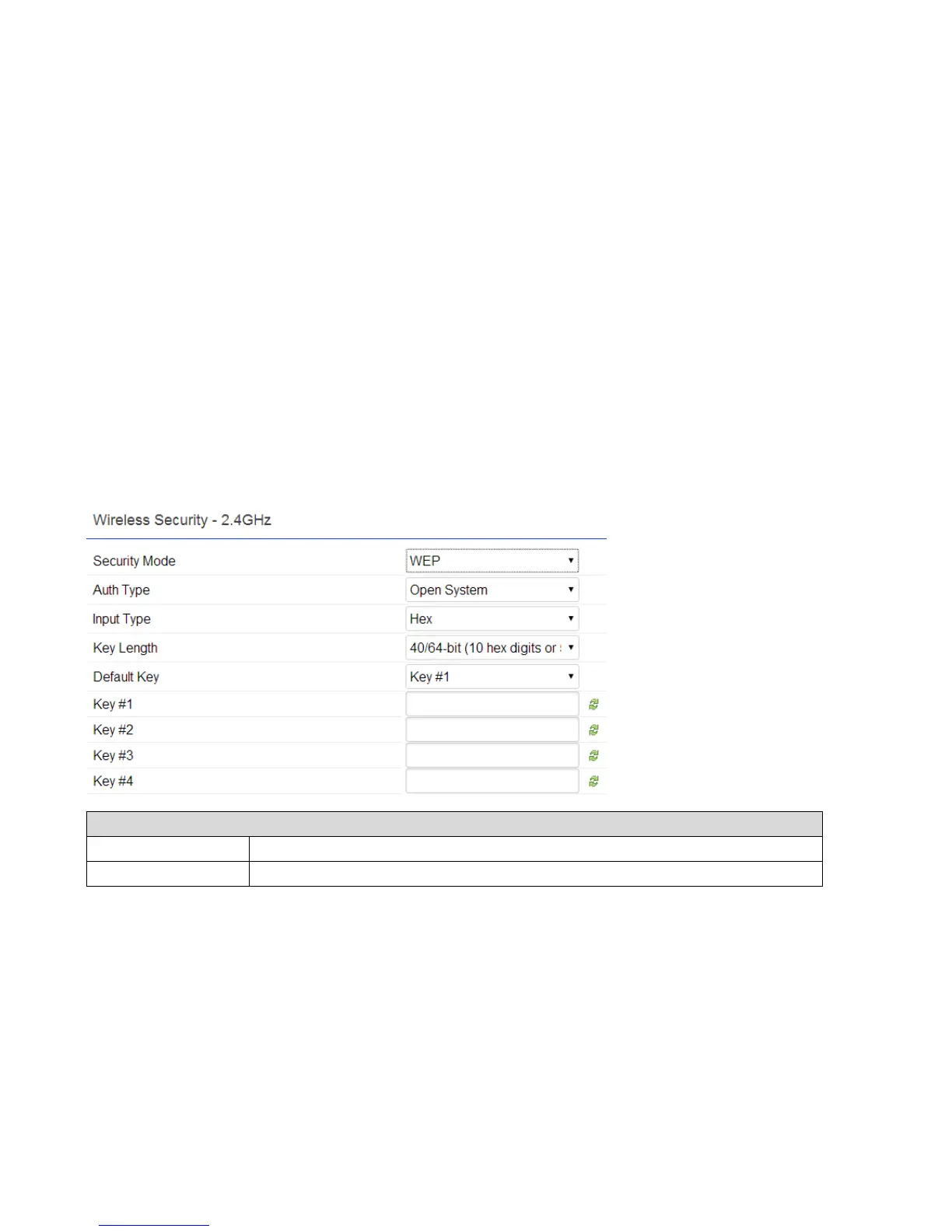
The Wireless Security section lets you configure the ECB1750's security modes: WEP, WPA-PSK, WPA2-PSK, WPA-PSK
Mixed, WPA-Enterprise, WPA2-Enterprise, and WPA Mixed Enterprise. It is strongly recommend to use WPA2-PSK. Click Edit
button under Wireless Setting next to the SSID to change the Security setting.
WEP Encryption:















 To Next Page