26
5 Status
The Status section contains the following options: Main, 2.4G/5G Wireless Client List, 2.4G/5G Connection Status,
2.4G/5G WDS Link List and System Log.
The following sections describe these options.
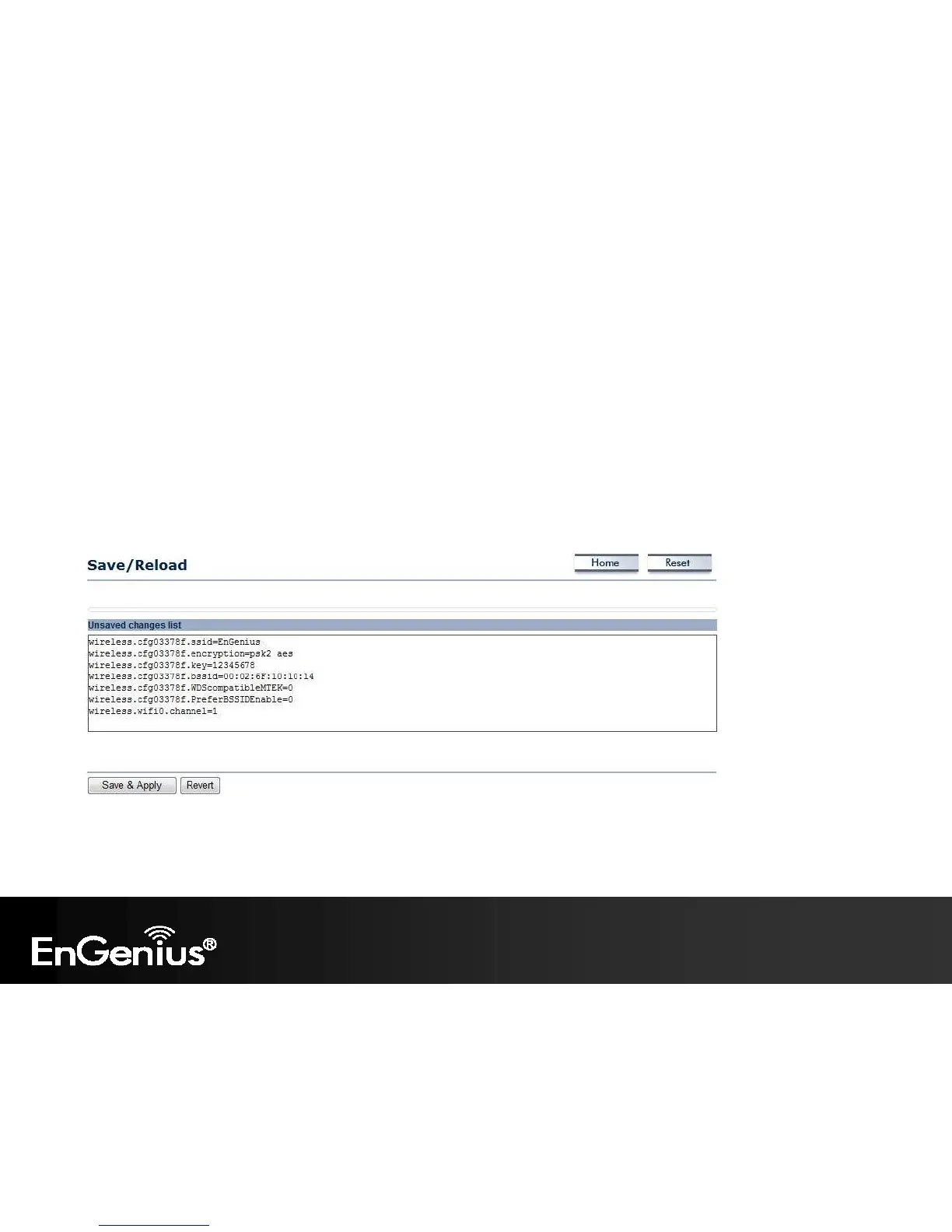
5.1 Save/Reload
This page lets you save and apply the settings shown under Unsaved changes list, or cancel the unsaved changes and
revert them to the previous settings that were in effect.















 To Next Page