47
7.2 Wireless Security
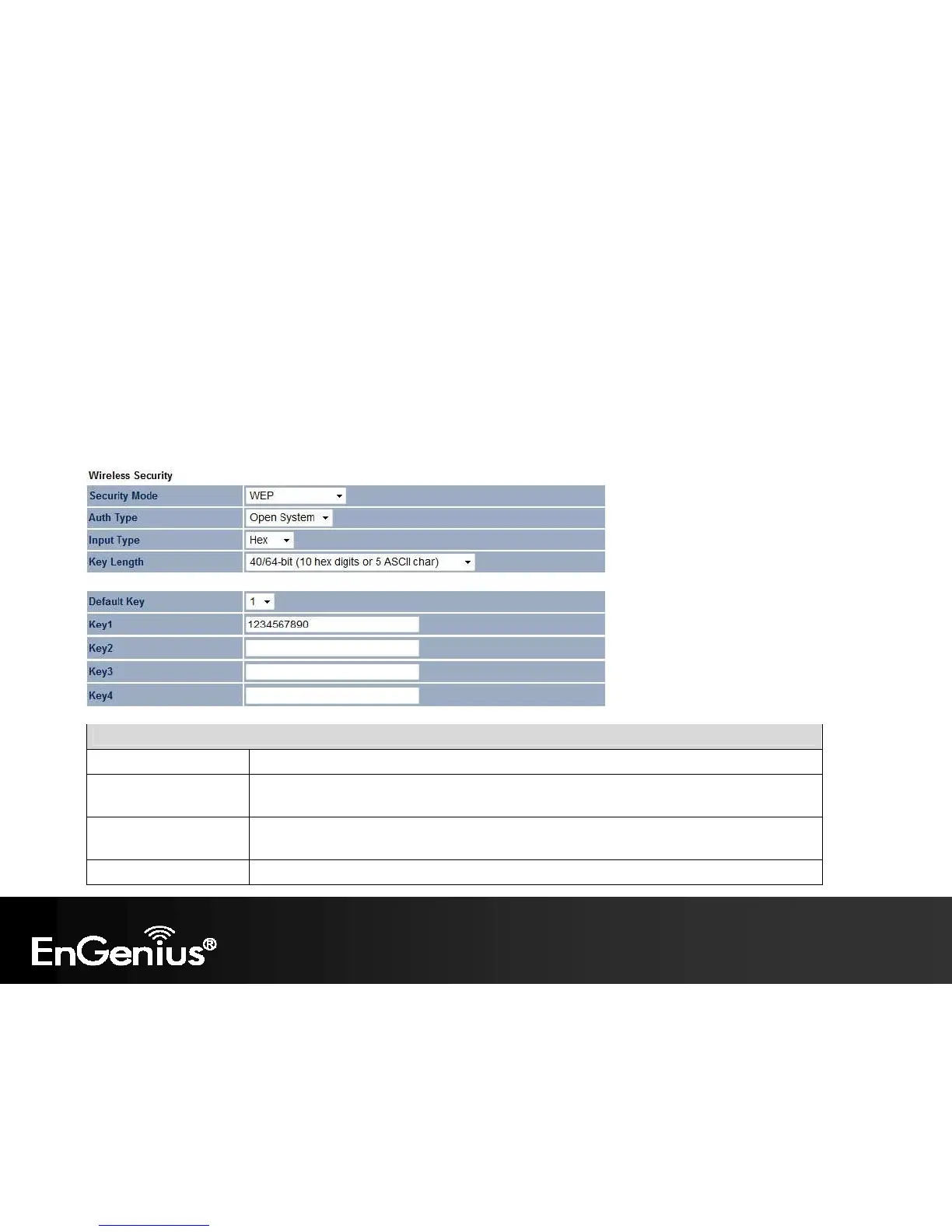
The Wireless Security section lets you configure the ECB600's security modes: WEP, WPA-PSK, WPA2-PSK, WPA-PSK Mixed,
WPA, WPA2, and WPA Mixed. It is strongly recommend to use WPA2-PSK.
WEP Encryption:
WEP Encryption
Auth Type Select Open System or Shared Key.
Input type ASCII: Regular Text (recommended)
HEX: Hexadecimal Numbers (For advanced users)
Key Length Select the desired option and ensure the wireless clients use the same setting.
Choices are 64, 128, 152-bit password lengths.
Default Key Select the key you wish to be default. Transmitted data is ALWAYS encrypted using the Default















 To Next Page