80
8.7 Time Settings
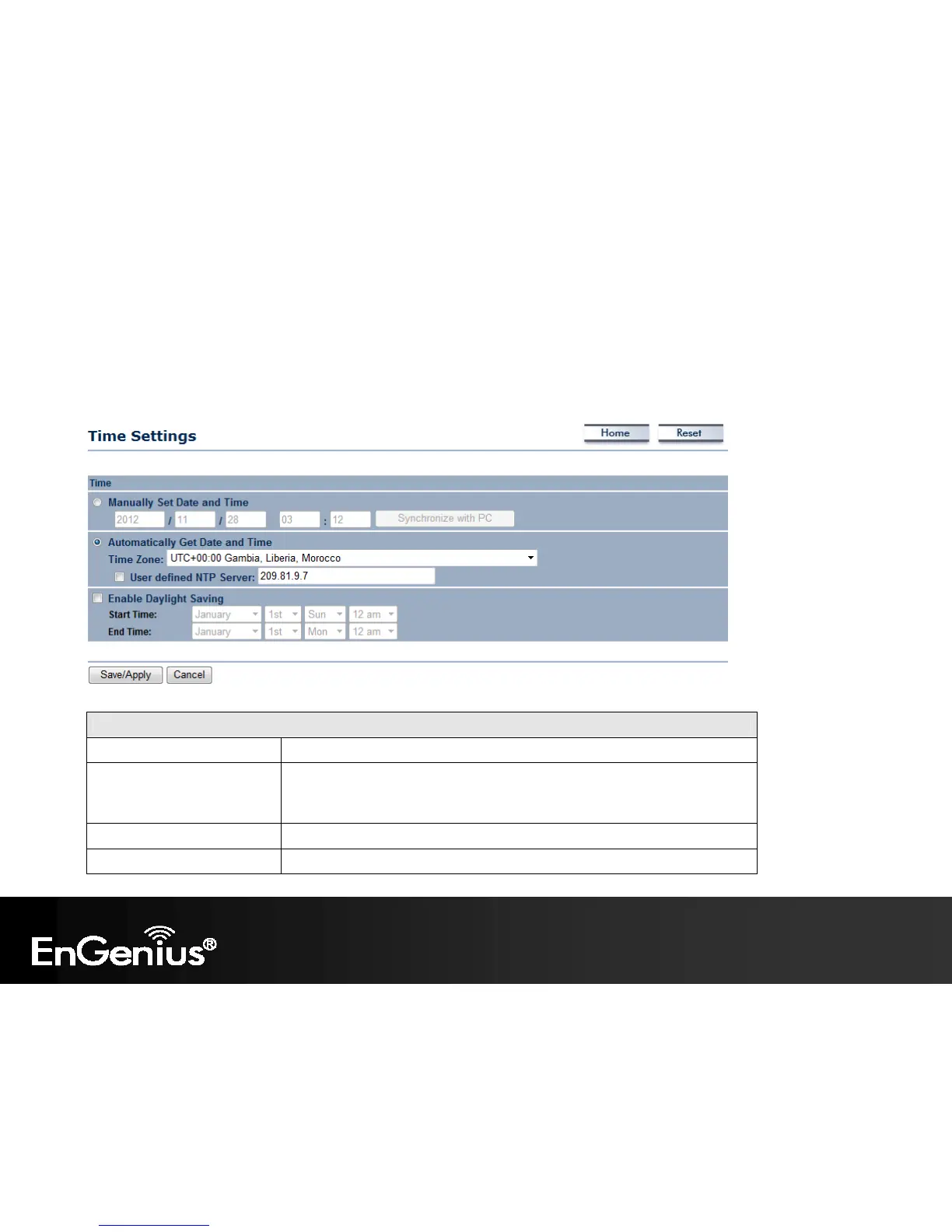
This page allows you to set the internal clock of the ECB600.
Time
Manually Set Date and Time Manually specify the date and time.
Automatically Get Date and
Time
Select a time zone from the drop-down list and check whether you want to
enter the IP address of an NTP server or use the default NTP server to get have
the internal clock set automatically.
Enable Daylight Saving Check whether daylight savings applies to your area.
Save/Apply / Cancel Click Save/Apply to apply the changes or Cancel to return previous settings.















 To Next Page