79
8.6 Firmware Upgrade
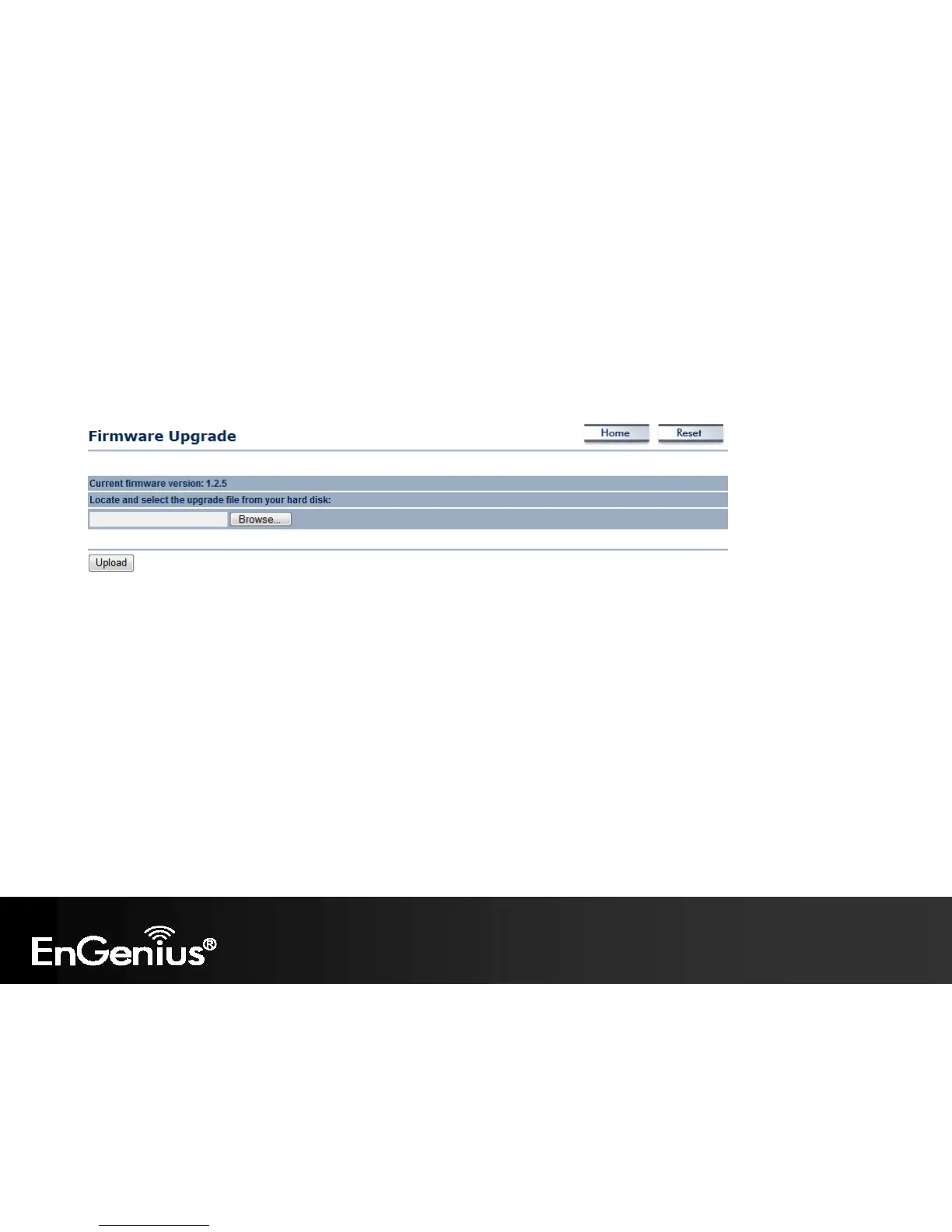
This page allows you to upgrade the firmware of the ECB600.
To perform the Firmware Upgrade:
1. Click the Browse button and navigate the OS File System to the location of the upgrade file.
2. Select the upgrade file. The name of the file will appear in the Upgrade File field.
3. Click the Upload button to commence the firmware upgrade.
Note: The device is unavailable during the upgrade process and must restart when the upgrade is completed. Any connections to or
through the device will be lost.















 To Next Page