72
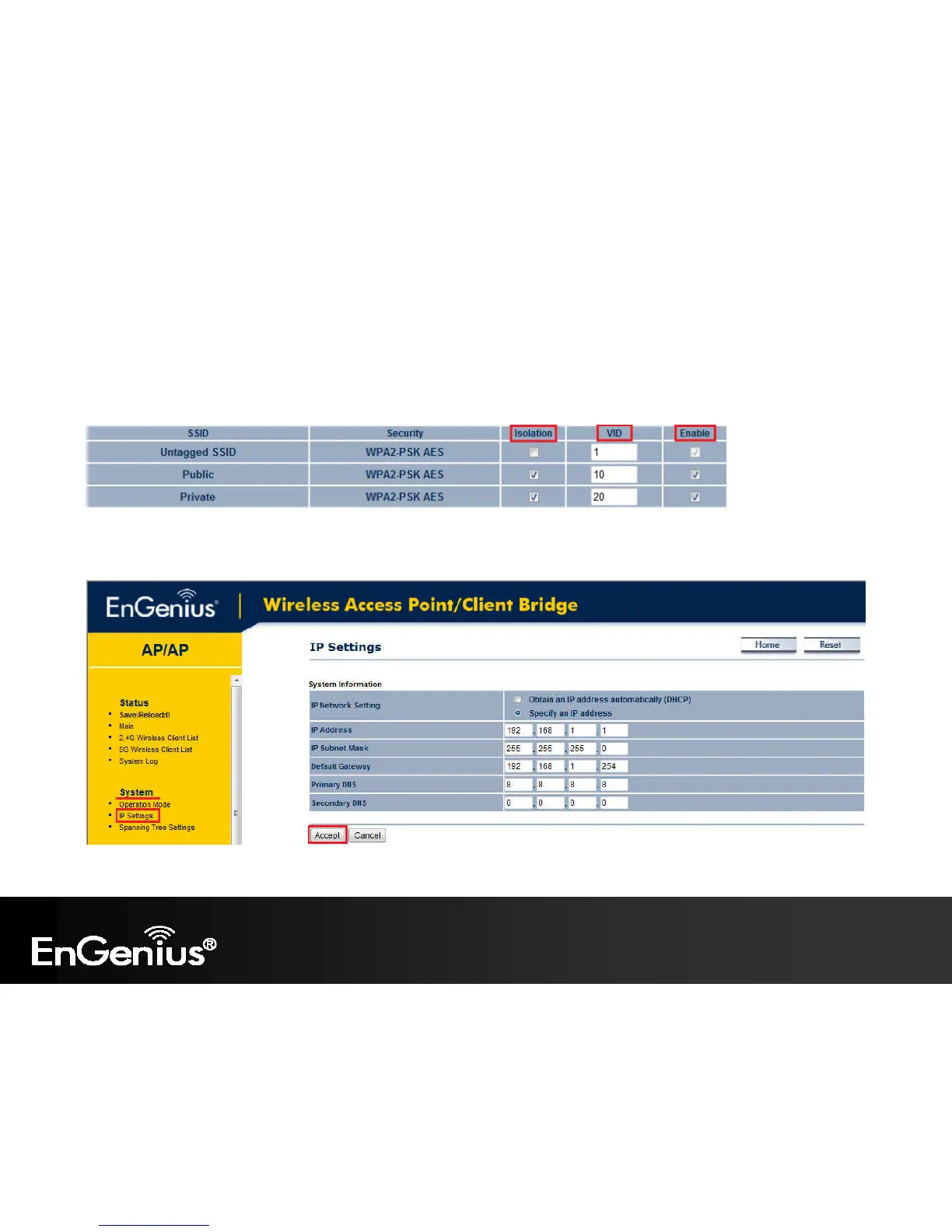
Step 6. The Isolation checkbox tells the unit that you want the SSID to be mapped to a VID specified in the VID field. If
the Isolation box is not checked the SSID will not be tied to the VLAN that is not tagged off the trunk port. The Enable box
performs the same as it did in Step 3.
Step 7. Please set your unit to be in the subnet that you want to mange the device in, pointing to the proper default
gateway and outside of your DHCP scope.















 To Next Page