75
Wireless Traffic Shaping
Enable Traffic Shaping Check this option to enable wireless traffic shaping.
Incoming Traffic Limit Specify the wireless transmission speed used for downloading.
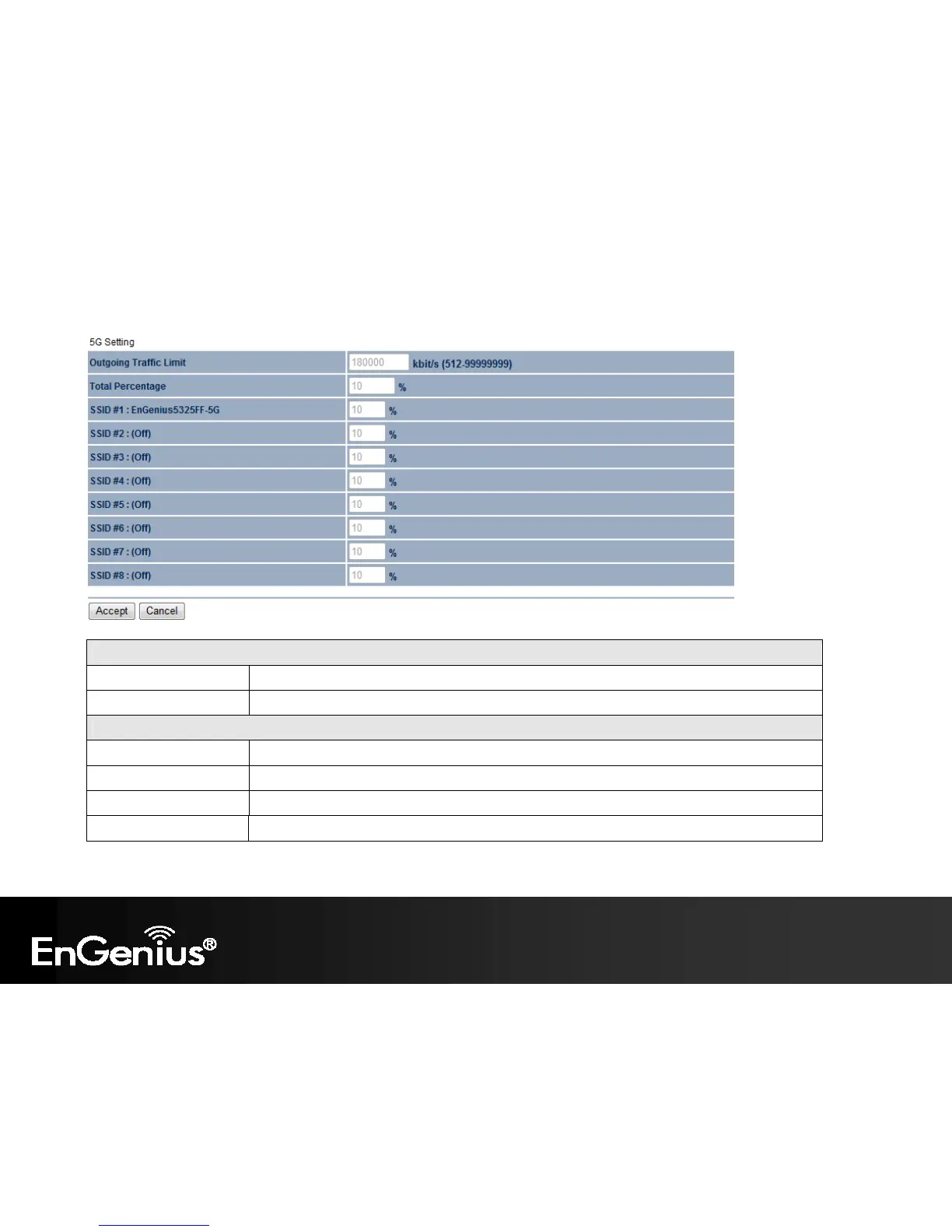
2.4G / 5G Setting
Outgoing Traffic Limit Specify the wireless transmission speed used for uploading.
Total Percentage It shows how much percentage has been used.
SSID #1~#8 Specify the wireless transmission speed used for each SSID.
Accept / Cancel Click Accept to confirm the changes or Cancel to cancel and return previous settings.















 To Next Page