87
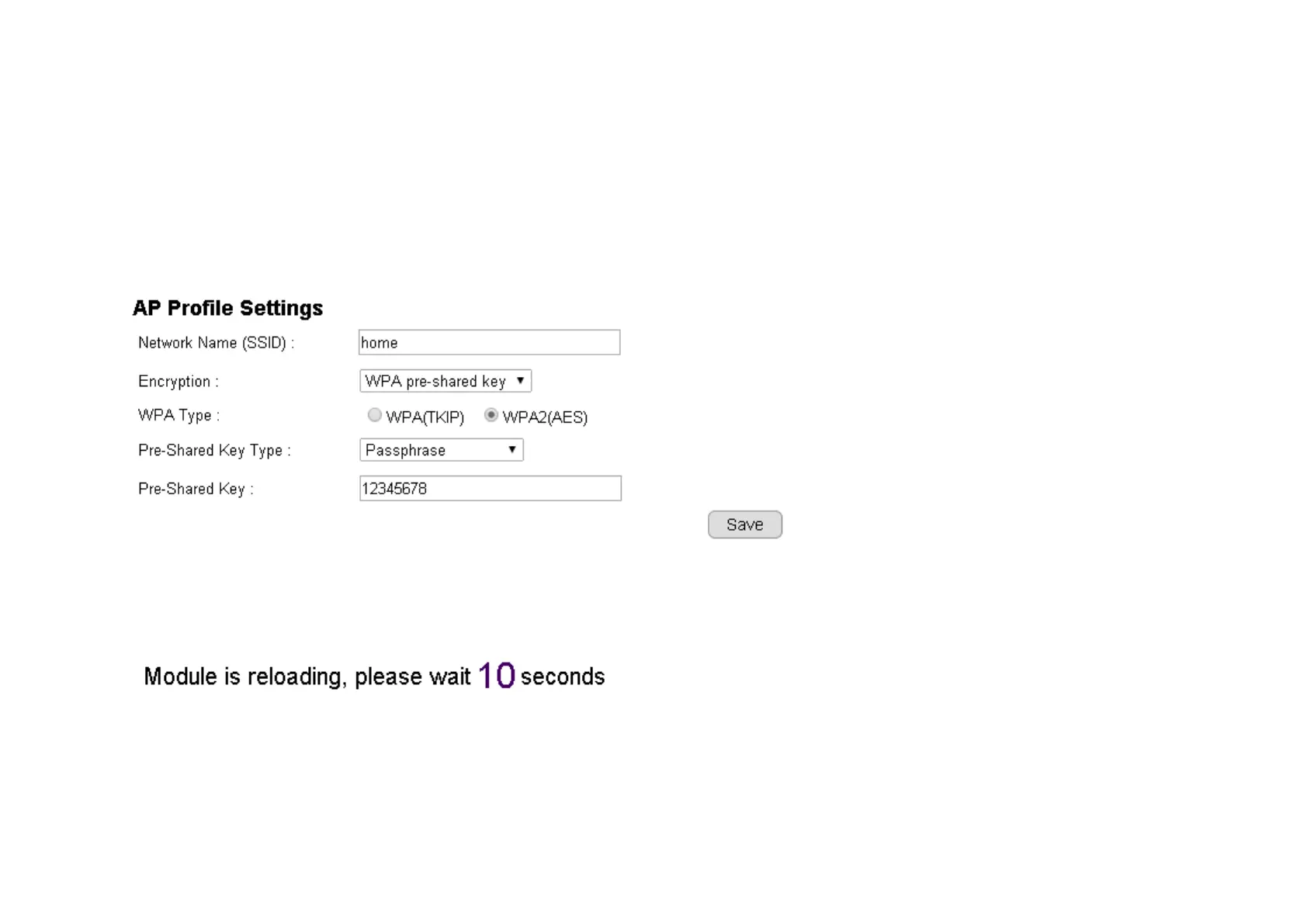
Pre-Shared Key type. They are automatically detected. Normally, you only need to provide the Pre-Shared Key (password). However, you can
still change the settings if they do not match with the actual AP wireless security settings.
Enter your Pre-Shared Key and press Save to complete the setting.
Please wait for a moment for the setup to complete.
While waiting, you can remove RJ45 Ethernet Cable from the camera. It may take a moment for the camera to detach from wired network and


 To Next Page
 Loading...