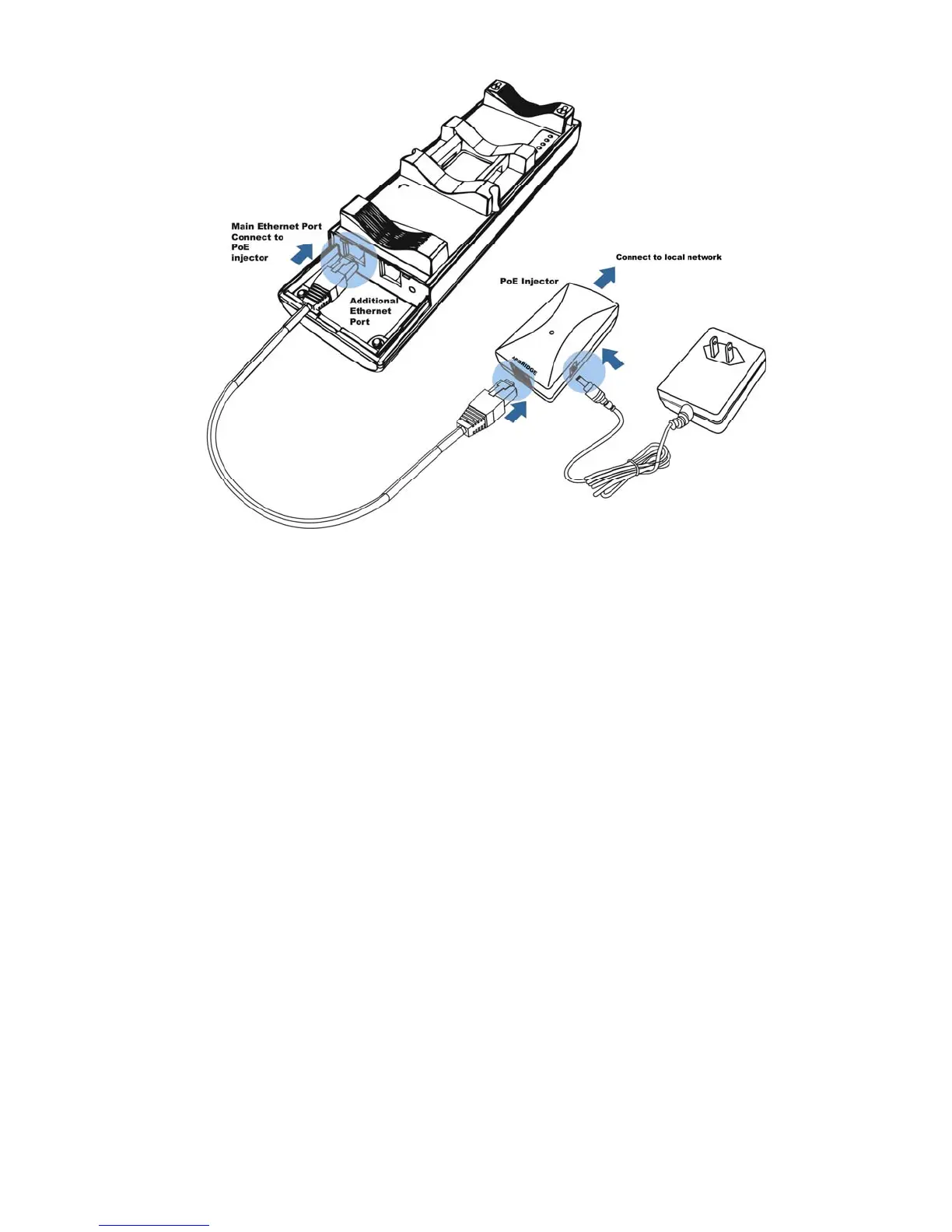
6. Turn over the ENH202. Then insert the mast strap through the middle hole of the
ENH202. Use a screwdriver to unlock the pole-mounting ring putting it through the
ENH202.
7. Mount the ENH202 securely to the pole by locking the strap tightly.
This completes the installation procedure.
3 Wireless Network Modes
3.1 Access Point Mode
In the Access Point Mode, the ENH202 functions like a central connection for any stations or













 To Next Page