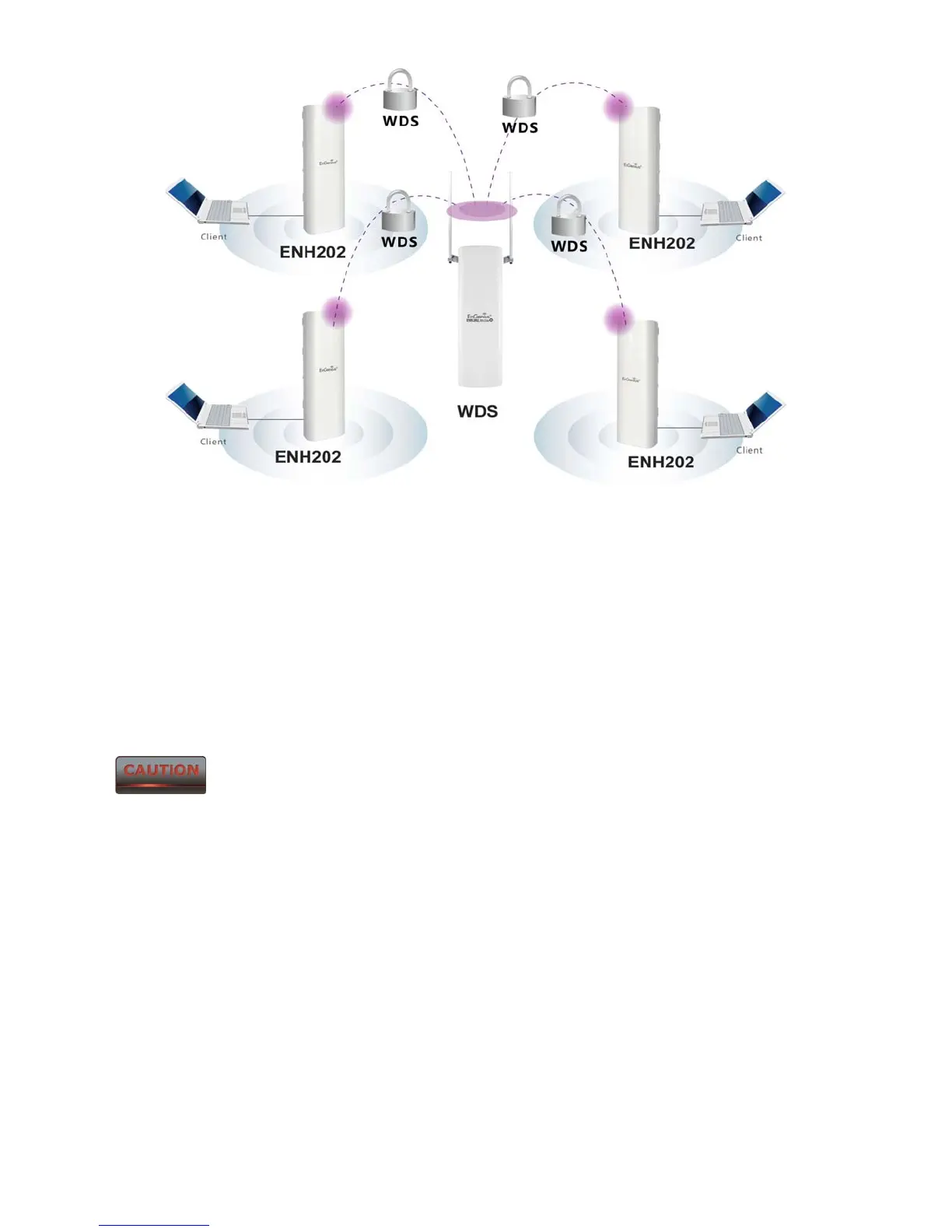
WDS Bridge Mode is unlike Access Point Mode. APs linked by WDS are
using the same wireless channel, and connecting excessive numbers of APs on the same
channel may result in lower throughput. Please be aware to avoid loop connections;
otherwise enable the Spanning Tree Function.
3.5 Client Router Mode
In Client Router Mode, the ENH202 provides two functions: 1) acting as a wireless-Ethernet
Bridge in order to relay signal from the access point; 2) acting as an active DHCP server that
allows WLAN clients to share the same wireless network connection. Ideally, have clients
wirelessly connect to an AP/WISP and connect to LANs via Ethernet. Client Router Mode is
different from the AP Router Mode. It is not a common application however useful when
connects to WISP AP.













 To Next Page