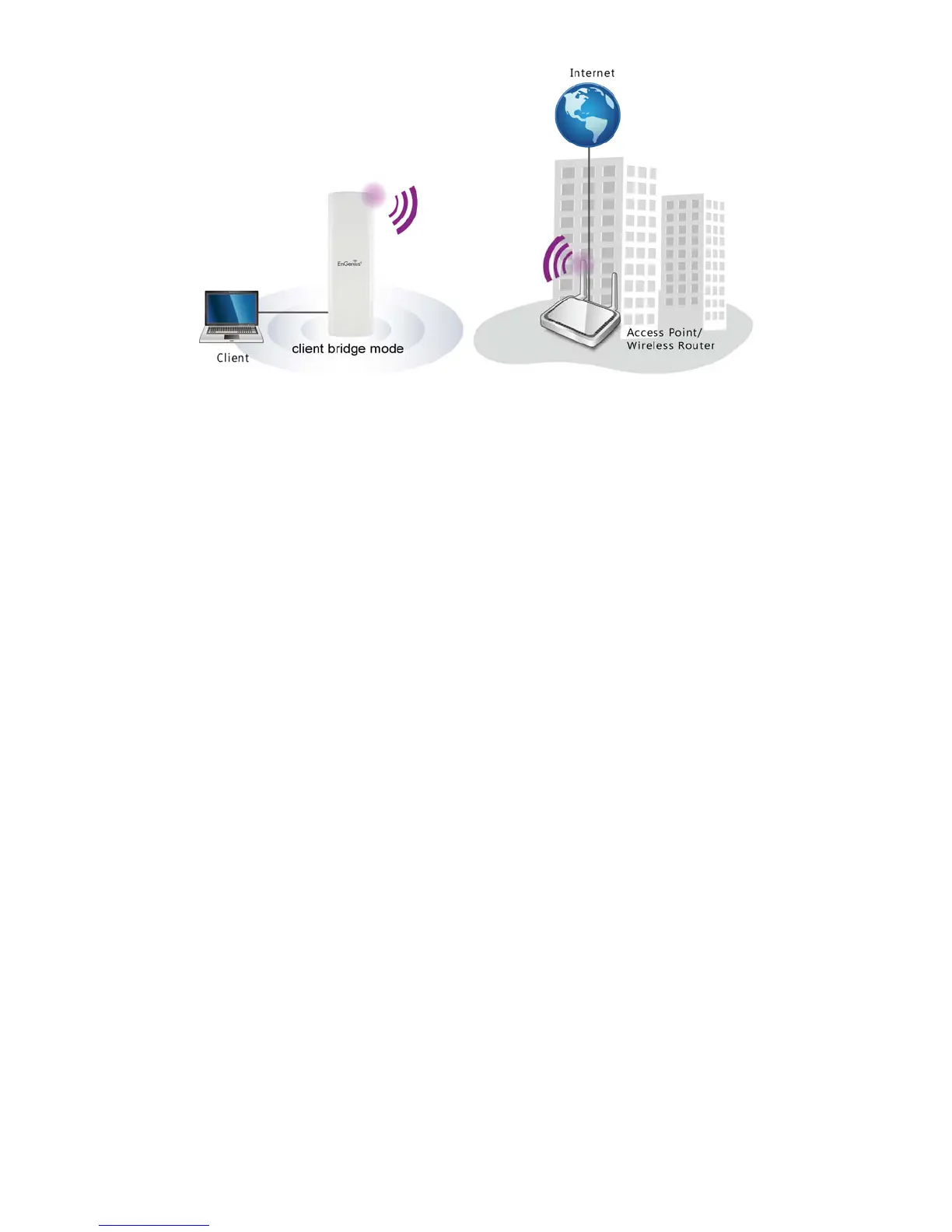
3.4 WDS Bridge Mode
In the WDS Bridge Mode, the ENH202 can wirelessly connect different local area networks by
configuring each device’s MAC address and security settings. The WDS Bridge Mode can
bridge up to four local wired networks together as one logical network. Every computer on
this logical network can see each other, sharing files as if they are in the same location. With
600mW output power and MIMO antenna technology, the connection distance can extend
beyond 1000 feet with good performance, assuming the antenna are within line of sight. The
WDS bridge network is a MAC-based network that provides transparent bridging.













 To Next Page