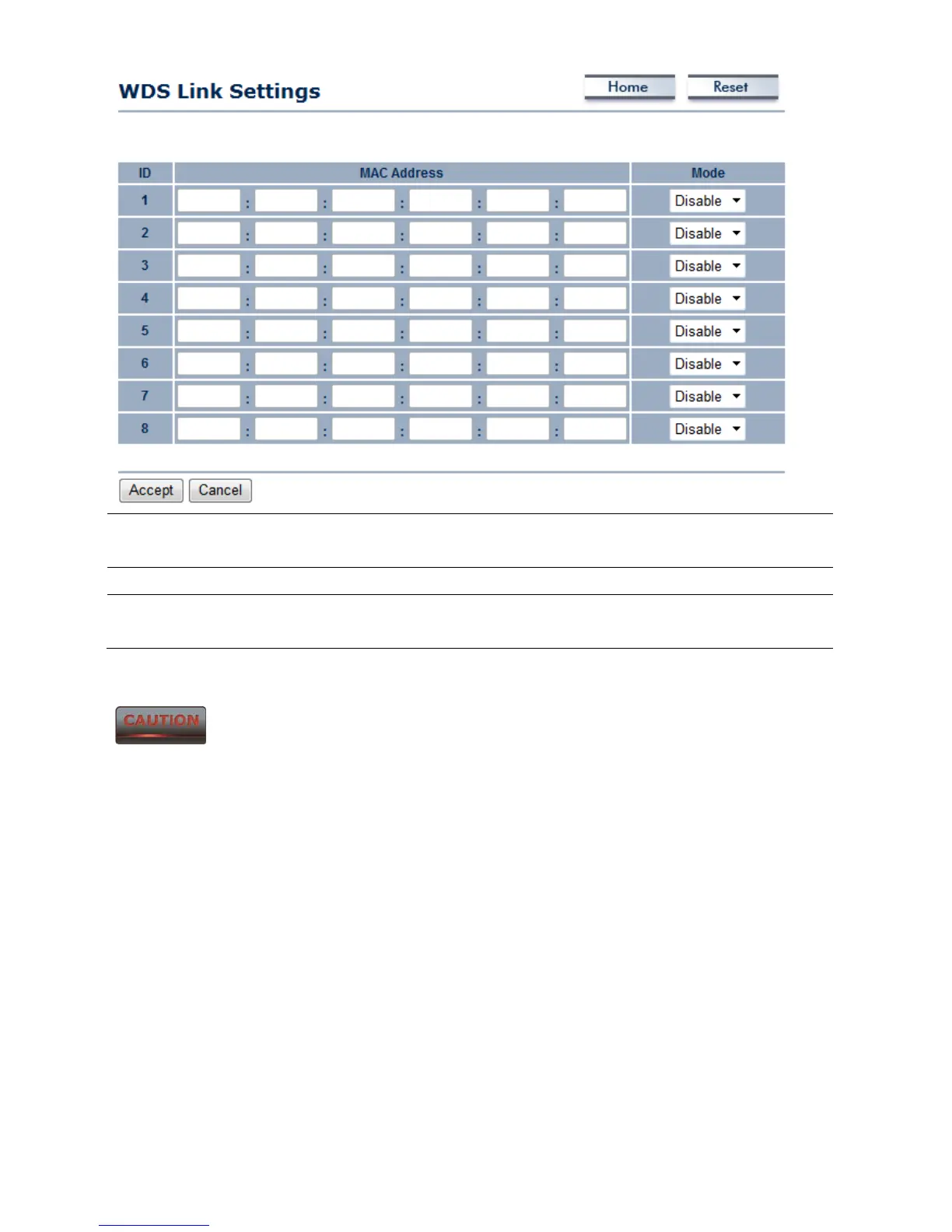
MAC Address Enter the Access Point’s MAC address that you would like to
extend the wireless coverage of into the MAC address filter.
Mode Select Disable or Enable from the drop down list.
Accept / Cancel Press Accept to confirm the changes or Cancel to return to the
previous settings.
Please make note of the following:
1. Accept does not apply the changes – you must go to Status -> Save / Load to apply
the new settings. Please refer to Chapter 4.1 for more information.
2. You must enter the MAC address of the Access Point whose wireless coverage you
would like to extend. Not all Access Point supports this feature.













 To Next Page