INSTALLATION INSTALLING THE DEVICE
2-3
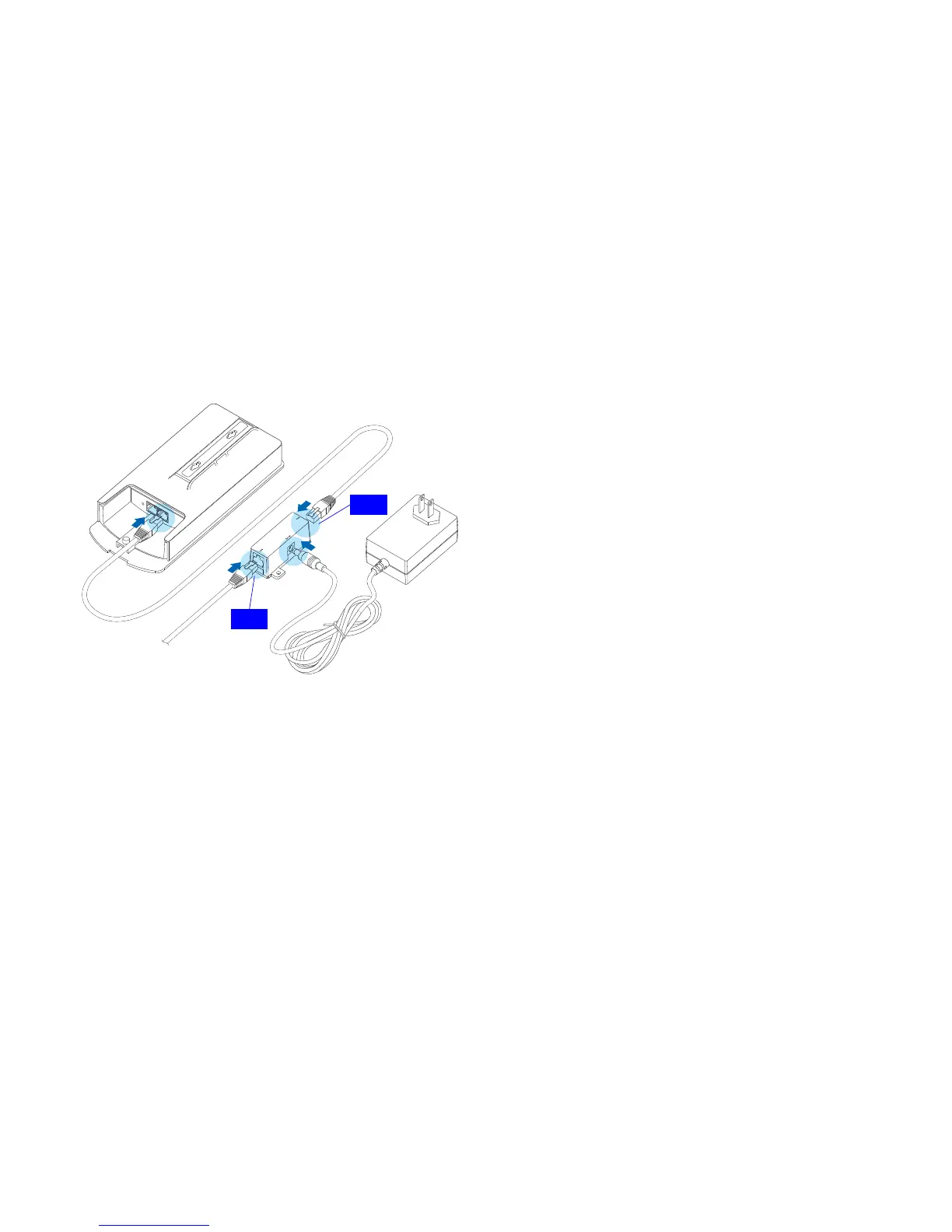
5. Plug the other end of the Ethernet cable into the PoE port
of the PoE injector.
Figure 2-1: Installing the ENS202
6. Turn over the ENS202. Then insert the pole mounting
strap through the middle hole of the ENS202. Use a
screwdriver to unlock the pole-mounting ring putting it
through the ENS202.
7. Mount the ENS202 securely to the pole by locking the
strap tightly.
This completes the installation procedure.













 To Next Page