BASIC NETWORK SETTINGS CONFIGURING WIRELESS LAN
4-22
4.4 Configuring Wireless LAN
4.4.1 Configuring Wireless Settings
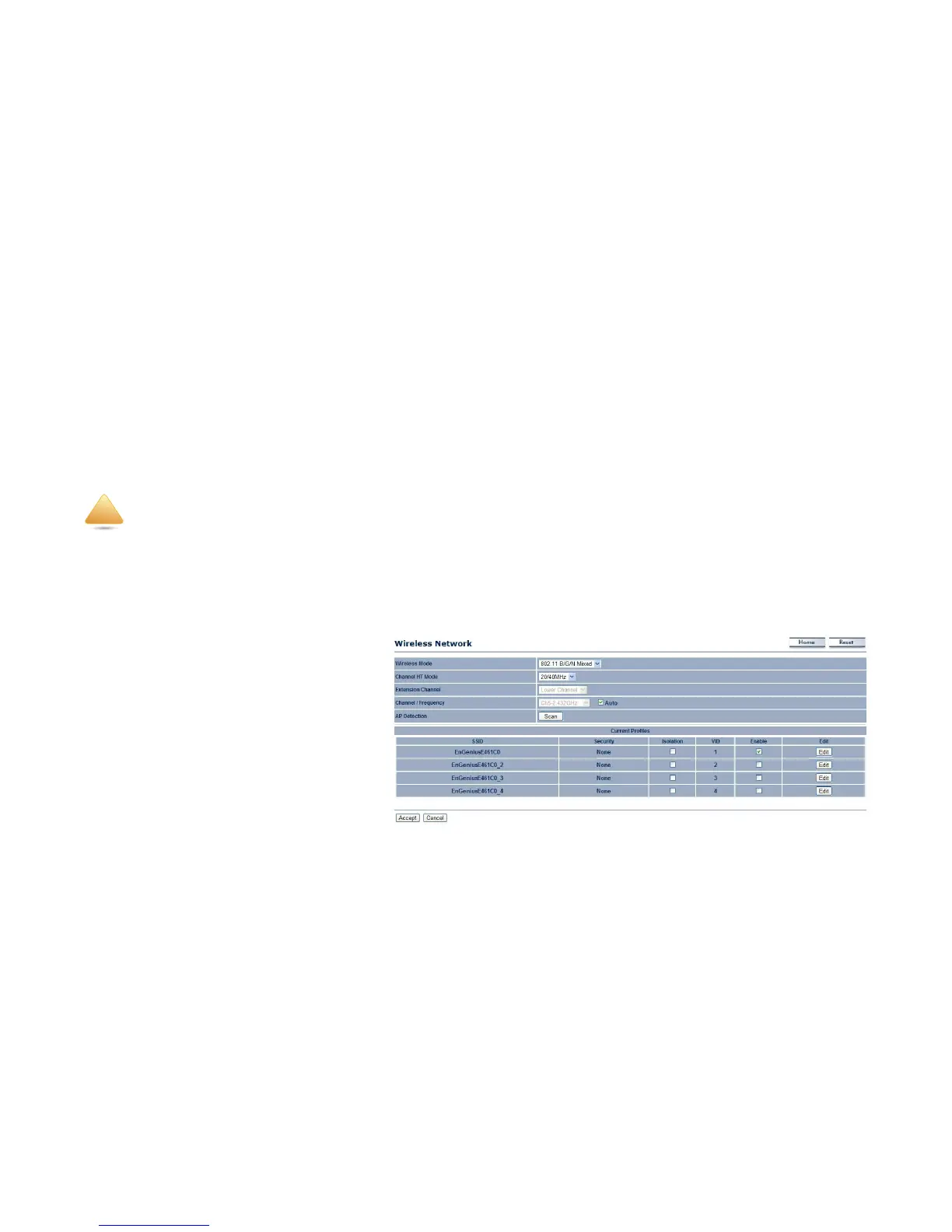
Instructions on how to configure the wireless and security settings for each of the possible operating modes.
Access Point Mode
The ENS202 supports Access Point Mode. In this mode, users with a wireless client device within range can connect to the ENS202
to access the WLAN.
Wireless Mode Wireless mode supports 802.11b/
g/n mixed modes.
Channel HT Mode The default channel bandwidth
is 20/40 MHz. The larger the channel, the better
the transmission quality and speed.
Extension Channel Select upper or lower
channel. Your selection may affect the Auto
channel function.
Channel / Frequency Select the channel and
frequency appropriate for your country’s
regulation.
Auto Check this option to enable auto-channel selection.
Incorrectly changing these settings may cause the device to stop functioning. Do not modify the settings in this section without a thor-
ough understanding of the parameters.













 To Next Page