BASIC NETWORK SETTINGS SCHEDULE SERVICES TABLE
4-50
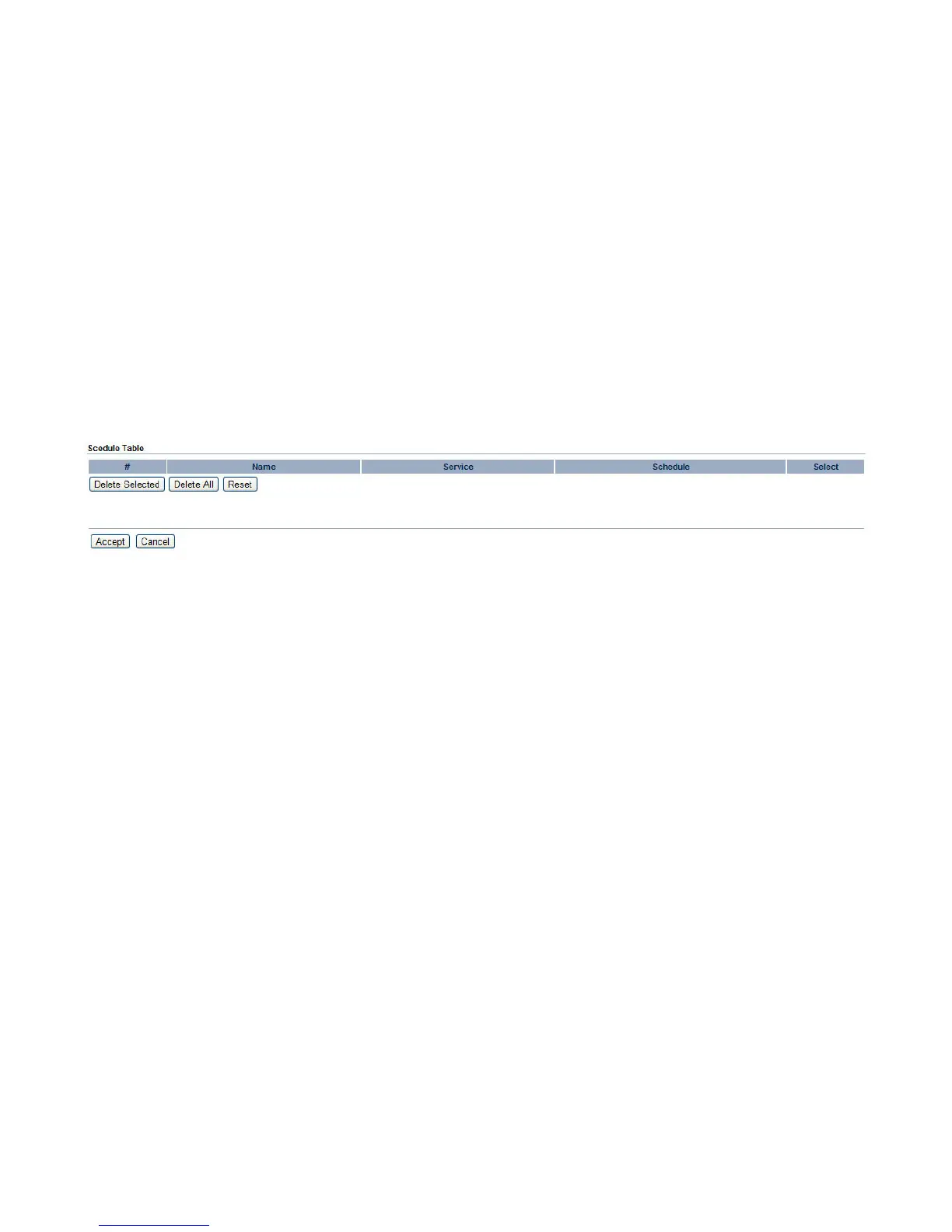
Schedule Services Table
The Schedule function relies on the GMT time setting acquired from a network time protocol (NTP) server. For details on how to con-
nect the ENS202 to an NTP server, see Configuring System Time.
Schedule Table Displays a list of scheduled services for the ENS202. The properties of each service displayed are:
# Displays the ID number of the service in the table.
Name Displays the description of the service.
Service Displays the type of service, either Wireless Power ON or Wireless Power OFF.
Schedule Displays the schedule information of when the service is active.
Select Select one or more services to edit or delete.
Click Delete Selected to delete the selected services or Delete All to delete all services.
Click Apply to save the settings or Cancel to discard changes.













 To Next Page