BASIC NETWORK SETTINGS VIEWING WIRELESS CLIENT LIST
4-4
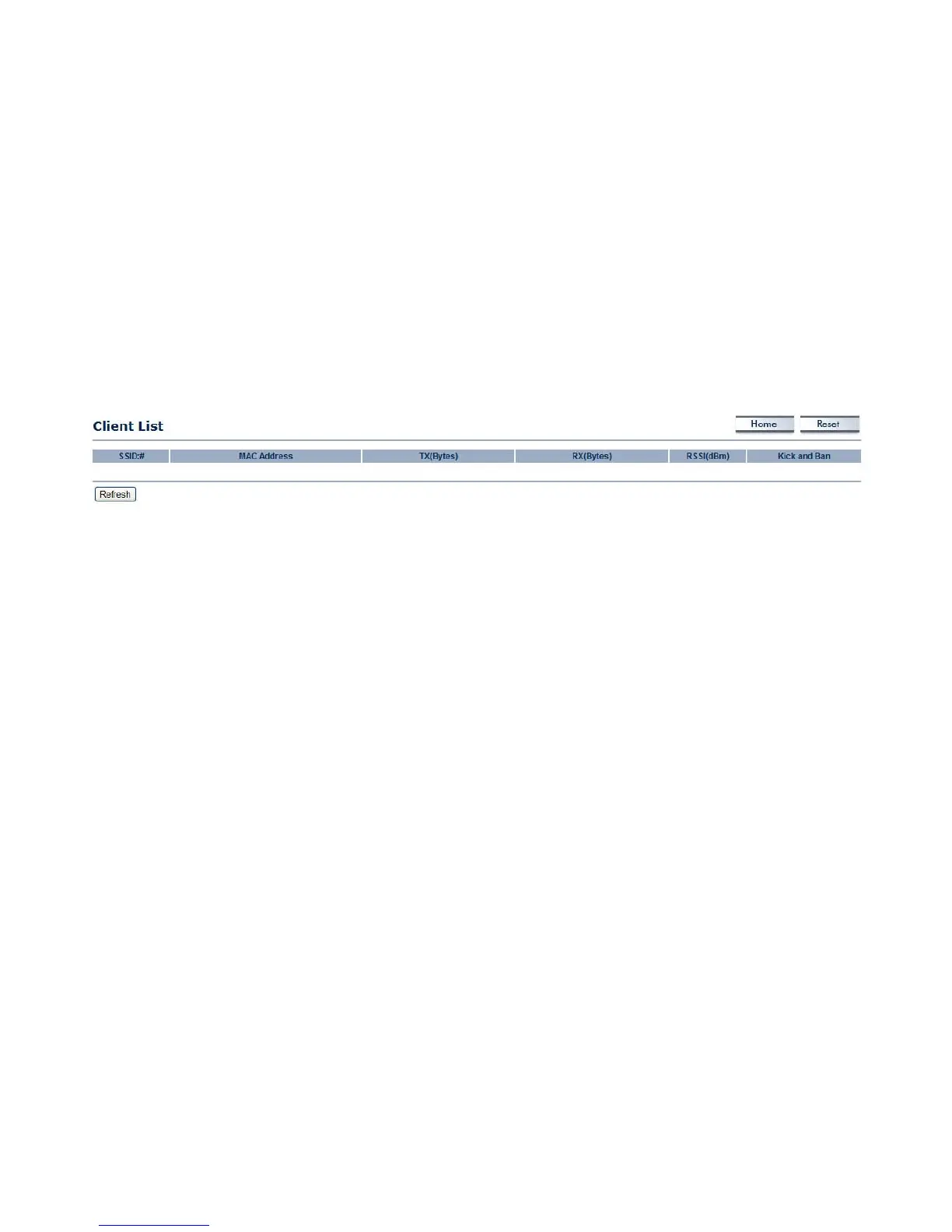
4.1.3 Viewing Wireless Client List
Displays a list of clients associated to the ENS202, along with the MAC addresses and signal strength for each client. To remove an
SSID client from the list, click the button that appears in the Kick and Ban column.
Click the Refresh button to update the client list.













 To Next Page