BASIC NETWORK SETTINGS CONFIGURING PORT FORWARDING
4-20
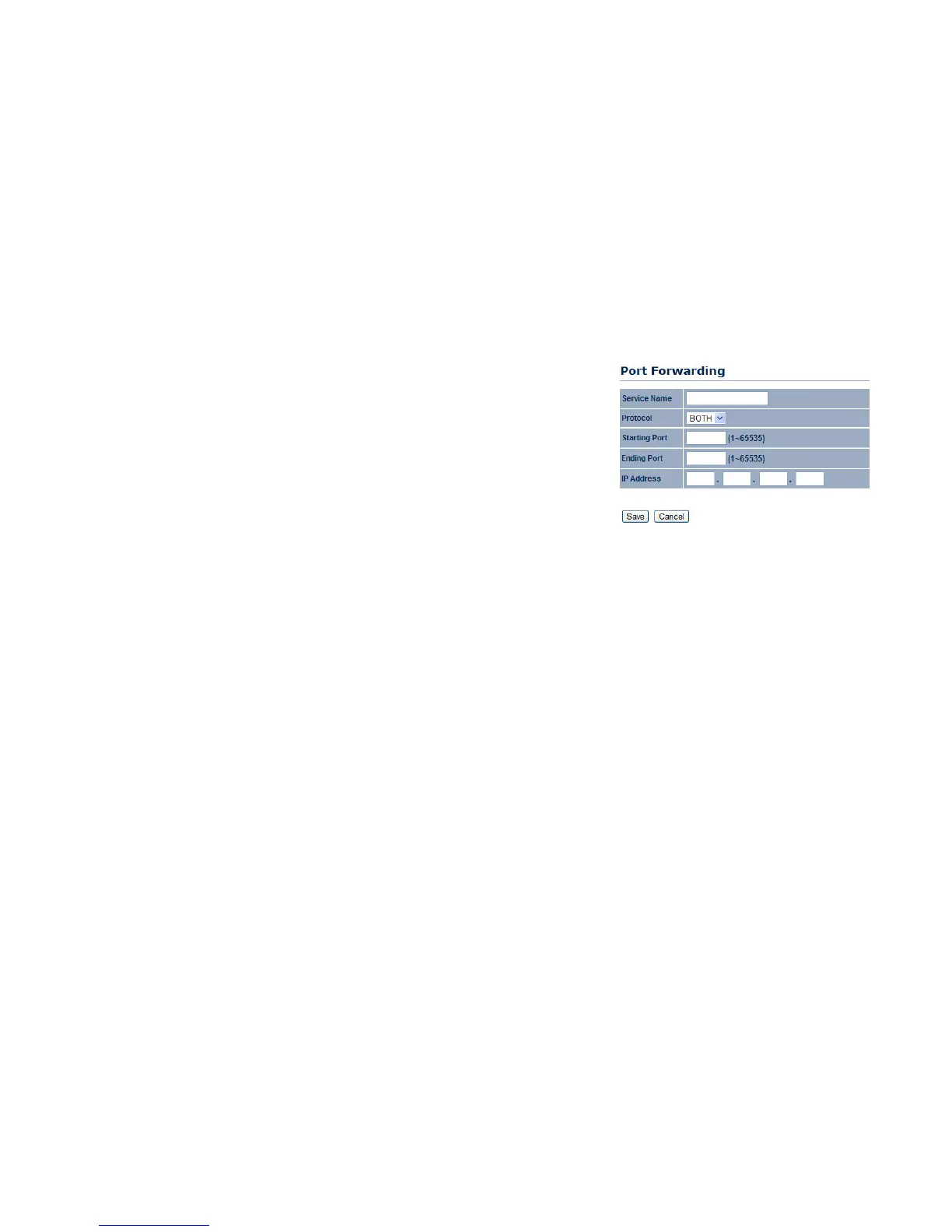
Service Name Enter a name for the port forwarding rule.
Protocol Select a protocol for the application: Choices are Both, TCP, and UDP.
Starting Port Enter a starting port number.
Ending Port Enter an ending port number. All ports numbers between the starting and
ending ports will forward users to the IP address specified in the IP Address field.
IP Address Enter the IP address of the server computer on the LAN network where
users will be redirected.
Click Save to apply the changes or Cancel to return previous settings.













 To Next Page