24
BeforestartingtocongurethisAccessPoint,youmayrealizetheusedscenarioundervariedoperatingmodes.TheAP
has the ability to operate in various modes. This chapter describes purpose of different operating modes and lists down
the operating modes for outdoor Access Points or Client Premise Equipments (CPE).
Access Point Mode
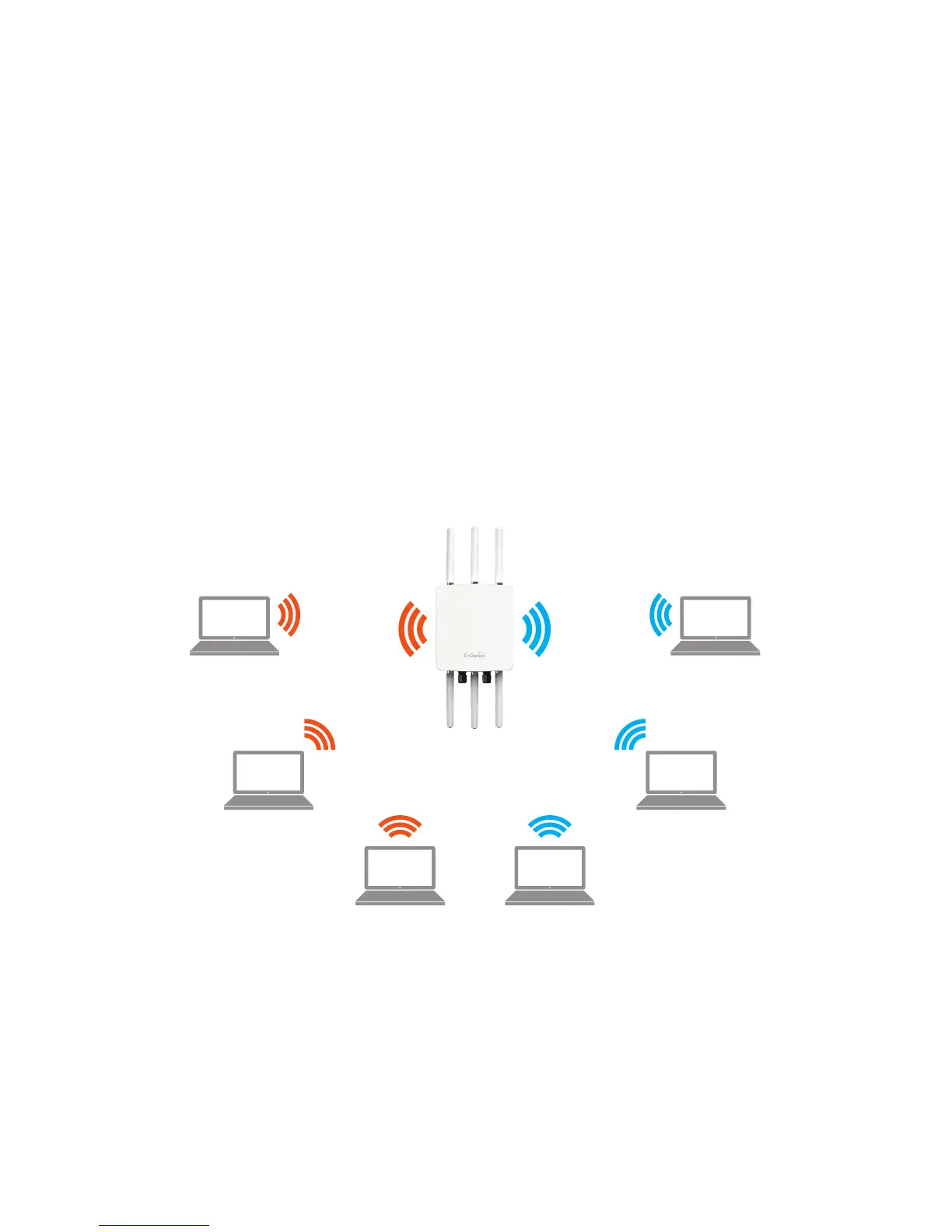
InAccessPointMode,APbehaveslikesacentralconnectionforstationsorclientsthatsupportIEEE802.11ac/a/b/g/nnetworks.
ThestationsandclientsmustbeconguredtousethesameSSID(ServiceSetIdentier)andsecuritypasswordtoassociate
with the AP. The AP supports up to eight SSIDs per band at the same time for secure access.
AP
Access Point
Client
Client Client
Client Client
Client
2.4 GHz 5 GHz













 To Next Page