36
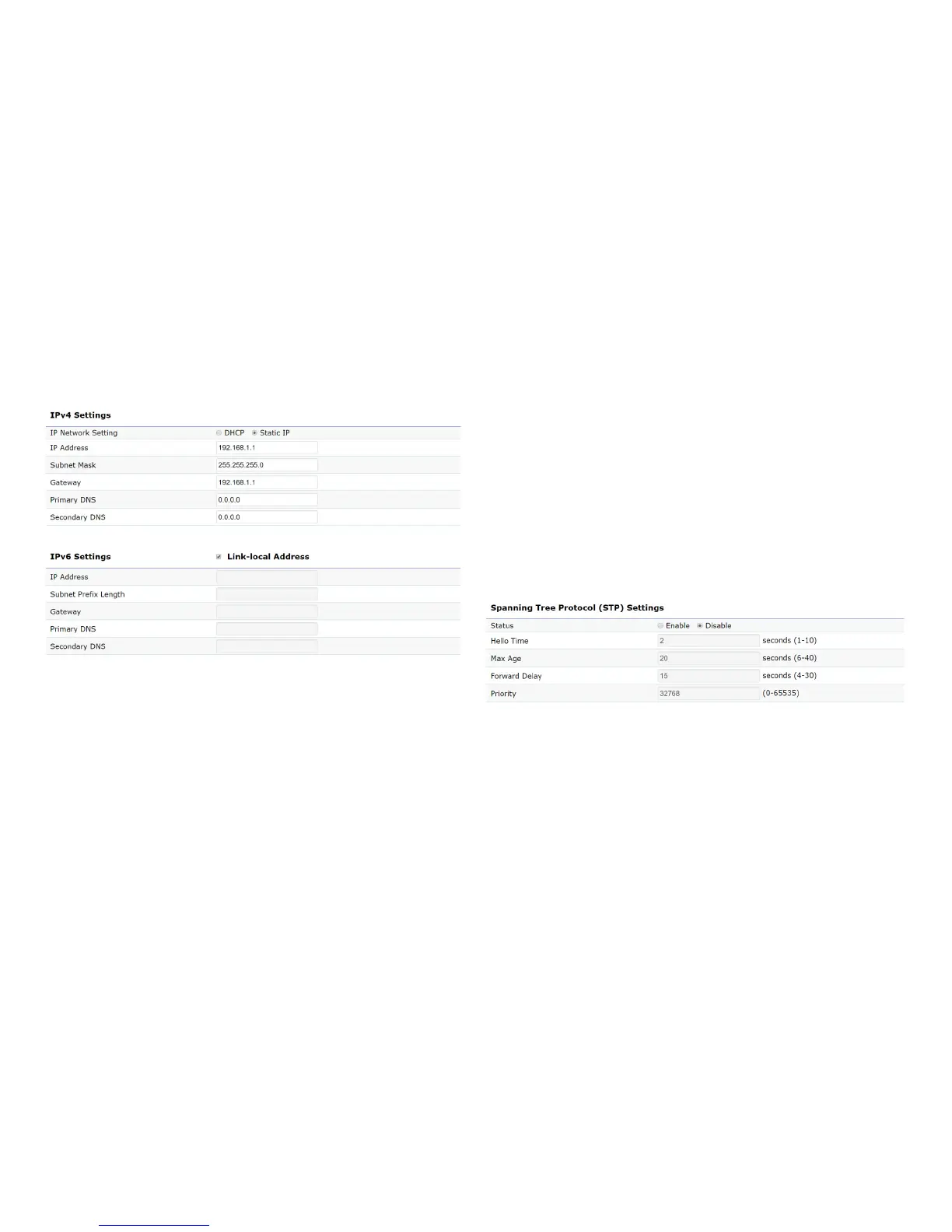
IPv4/IPv6 Settings
This page allows you to modify the device’s IP settings.
IP Network Settings: Select whether the device IP address
willuseastaticIPaddressspeciedintheIPaddresseld
or be obtained automatically when the device connects to
a DHCP server.
IP Address: The IP address of this device.
Subnet Mask: The IP Subnet mask of this device.
Gateway: The Default Gateway of this device. Leave it
blank if you are unsure of this setting.
Primary/Secondary DNS: The primary/secondary DNS
address for this device.
Save: Click Savetoconrmthechanges.
Spanning Tree Protocol (STP) Settings
This page allows you to modify the Spanning Tree settings.
Enabling the Spanning Tree protocol will prevent network
loops in your LAN network.
Spanning Tree Status: Enables or Disables the Spanning
Tree function. Default is Disable.
Hello Time: Species Bridge Hello Time in seconds. This
value determines how often the device sends handshake
packets to communicate information about the topology
throughout the entire Bridged Local Area Network.
Max Age: SpeciesBridgeMaxAgeinseconds.Ifanother
Basic













 To Next Page