60
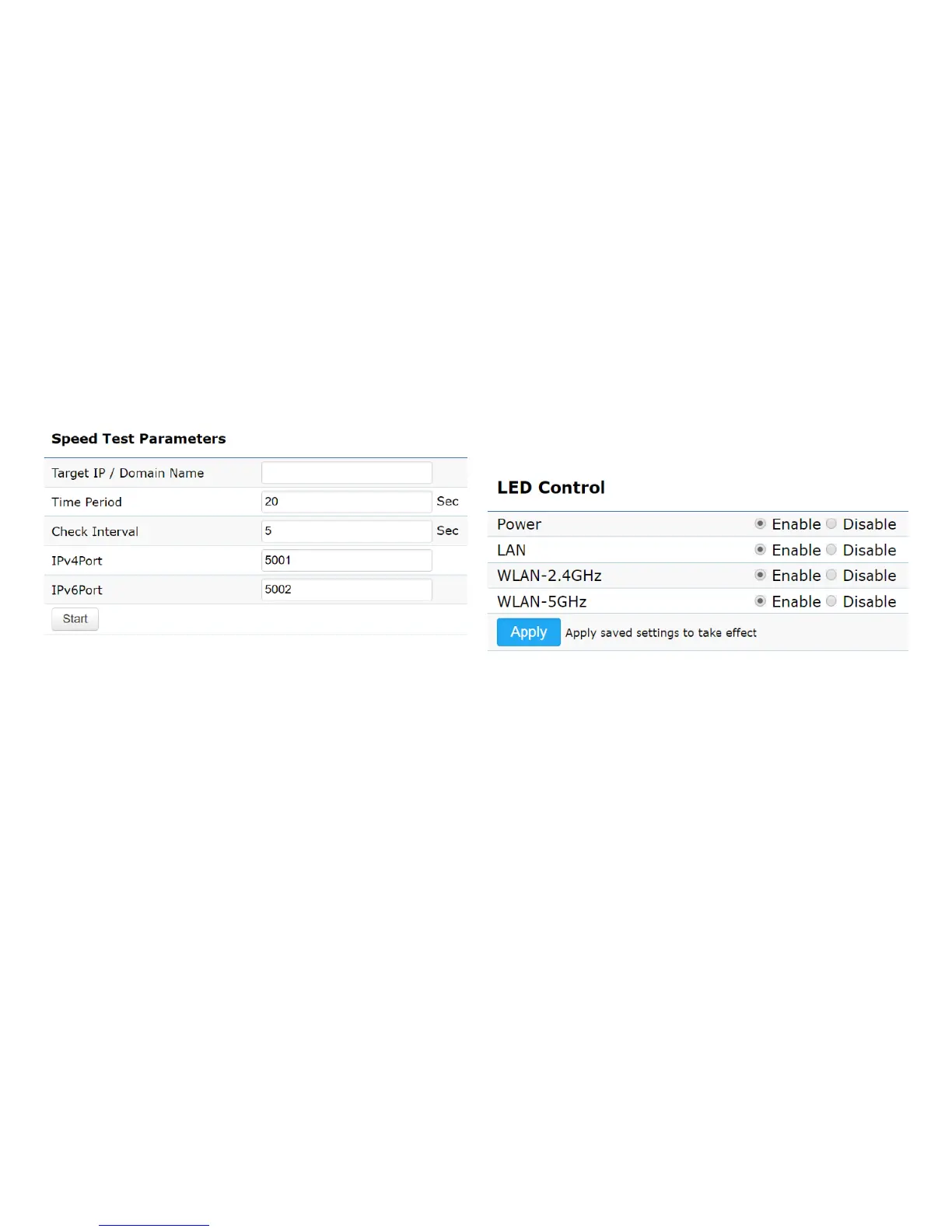
Speed Test Parameters / LED Control
This page allows you to implement speed test to realize
thethroughputofatargetDUT.
Target IP / Domain Name: Enter an IP address or domain
name you wish to impelement a speed test for realizing
the variance on wireless speed.
Time Period: Enter the time in seconds that you would like
the test to implement for and in how many intervals.
IPv4/IPv6 Port: This Access Points uses IPv4 5001 and
IPv6 5002 port for the speed test.
Start: Click start to implement speed test.
LED Control
Control LED on/off for Power, LAN interface, or 2.4 GHz/5
GHz WLAN interface.
Power: Enables or disables the Power LED indicator.
LAN: Enables or disables the LAN LED indicator.
WLAN-2.4 GHz: Enables or disables the WLAN-2.4 GHz LED
indicator.
WLAN-5 GHz: Enables or disables the WLAN-5 GHz LED
indicator.













 To Next Page