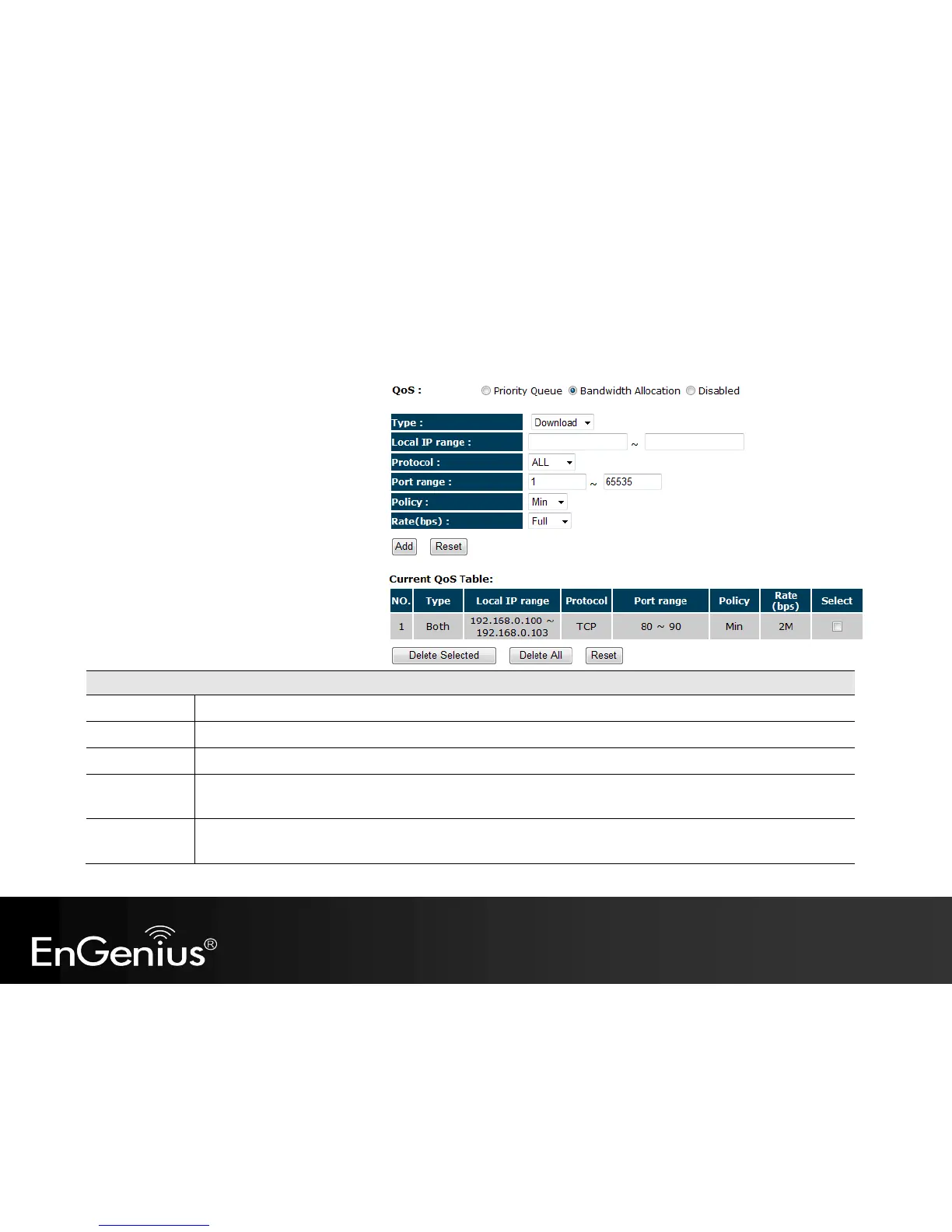
Bandwidth Allocation Method
You can set the maximum amount of bandwidth
a certain protocol will use at one time. Or you
can set a minimum amount of bandwidth that
will be guaranteed to a certain protocol.
Set whether the QoS rules apply to transmission that are Download, Upload or Both directions.
Enter the IP address range of the computers that you would like the QoS rules to apply to.
Select from this list of protocols to automatic set the related port numbers.
Each protocol uses a specific port range.
Please specify the ports used by this protocol..
Choose whether this rule is to set a limit on the Maximum amount of bandwidth allocated to this protocol, or to set the
guaranteed Minimum amount of bandwidth for this protocol.



 To Next Page