EasyManua.ls Logo

EnGenius ETR9350 - Page 100

EnGenius ETR9350
120 pages
Print Icon
To Next Page IconTo Next Page
To Previous Page IconTo Previous Page
Loading...
99
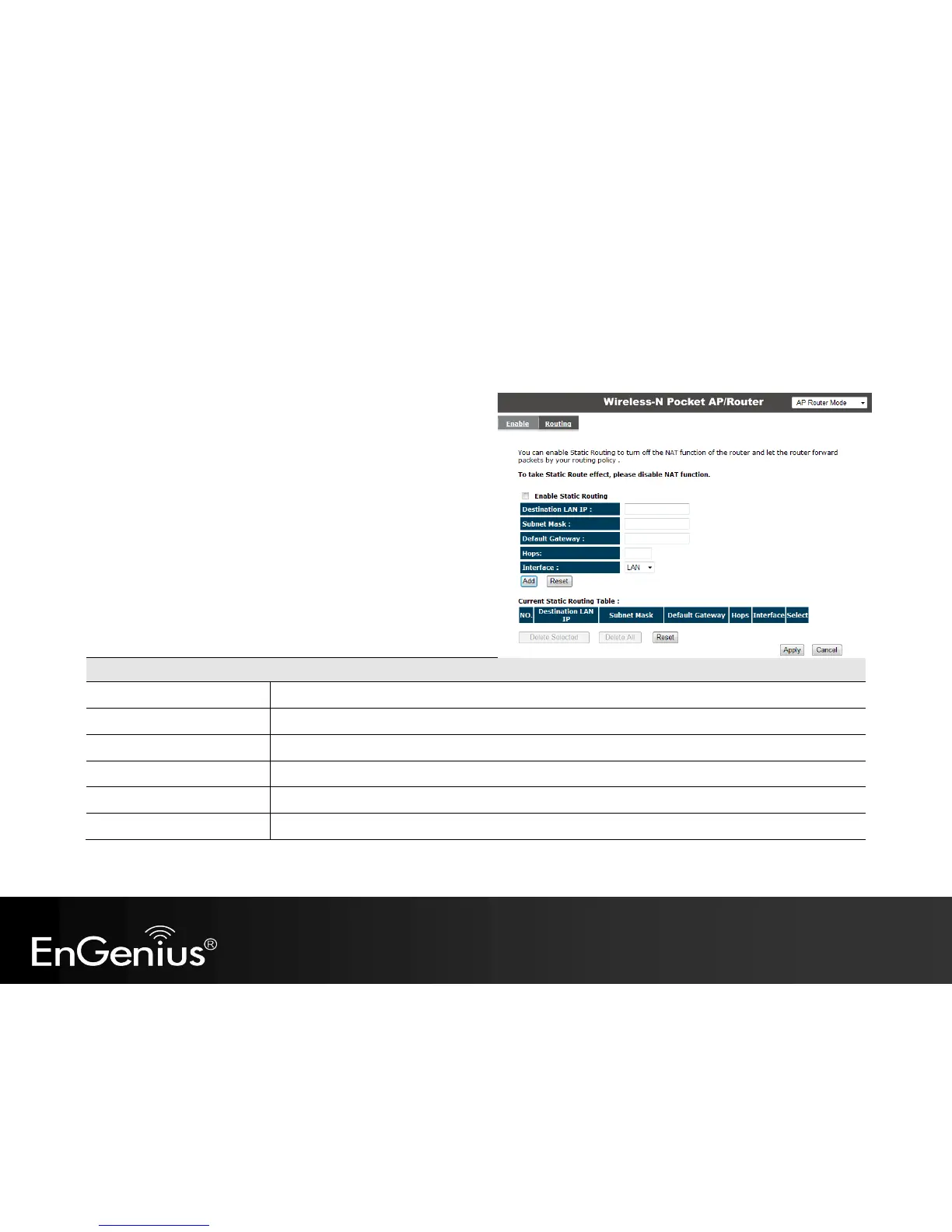
Routing
If your TRAVEL ROUTER device is connected a network with
different subnets, then this feature will allow the different subnets
to communicate with each other.
Note: NAT function needs to be disabled for the Routing feature to be enabled.
Static Routing
Enable Static Routing:
Tick this box to Enable the Static Router feature.
Destination LAN IP:
Enter the IP address of the destination LAN.
Subnet Mask:
Enter the Subnet Mask of the destination LAN IP address
Default Gateway:
Enter the IP address of the Default Gateway for this destination IP and Subnet.
Hops:
Specify the maximum number of Hops in the static routing rule.
Interface:
Select whether the routing applies to LAN or WAN interfaces.

Other manuals for EnGenius ETR9350

Related product manuals