UNDERSTANDING THE FLUSH MODE
1. To avoid failure of the ADS 2000 it must be flushed after each surgery. This will assist
to remove any debris or condensation that may build up.
2. To enter the FLUSH MODE perform the following:
a. Turn OFF the ADS 2000, turn the vaporizer off, and ensure the 5 PSI / 50 PSI
switch is set to 50 PSI.
b. Seal the end of the breathing circuit by placing your thumb over it. Maintain the
seal over the end of the breathing circuit until the end of this procedure.
c. Press the FILL / HOLD button and continue holding it down while turning the
ADS 2000 ON . Continue to hold FILL / HOLD button down for 20 – 30 seconds.
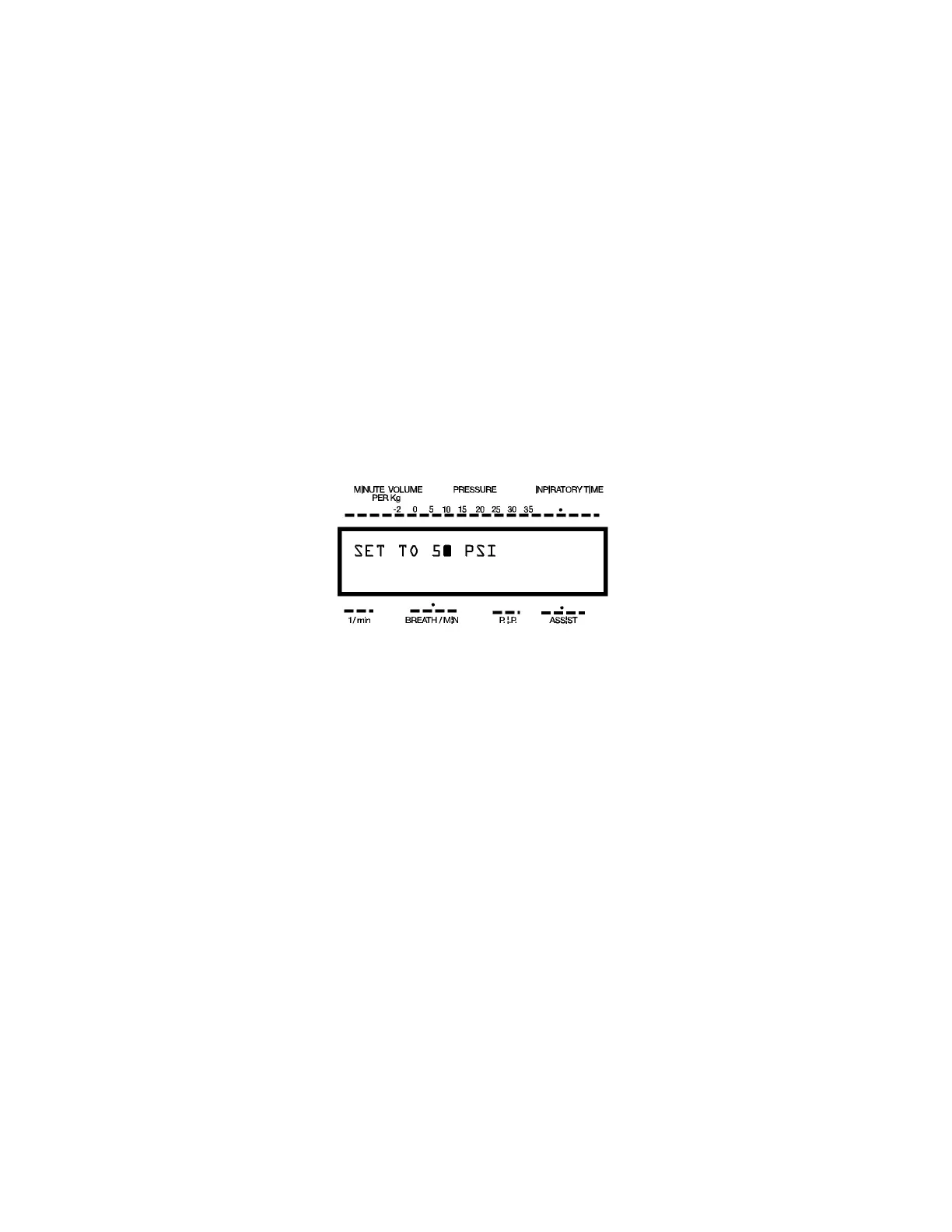
d. The LCD will now look like the display below. The ADS 2000 is now in the FLUSH
MODE and a full 60 LPM flow of oxygen is passing through the ADS 2000.
e. To exit this mode, simply release the FILL / HOLD button and the unit will
go through the usual self-test.
NOTE: As a method of preventative maintenance the FLUSH MODE should be
done after every procedure. This will insure that the internal hoses and valves
are kept clean and dry.
ADS 2000 Engler Engineering Corporation 21


 To Next Page