USING THE ADS 2000 in LAB MODE
In order to facilitate the ventilation of very small patients the ADS 2000 has a low
pressure LAB MODE. This mode does not have any preset default parameters by
weight; therefore it is advised that you have experience operating the ADS 2000
before using this mode. To enter this mode perform the following:
1. Turn ON the ADS 2000 as usual and allow it to go through the self-test
procedure. The LCD should display the initial default of 20 Kilograms.
NOTE: The start-up self-test may show an error if you attempt to start the ADS 2000
with the input pressure set at 5 PSI, therefore, always start the ADS 2000 in the
NORMAL MODE at 50 PSI then set the 50 PSI / 5 PSI switch to the 5 PSI setting.
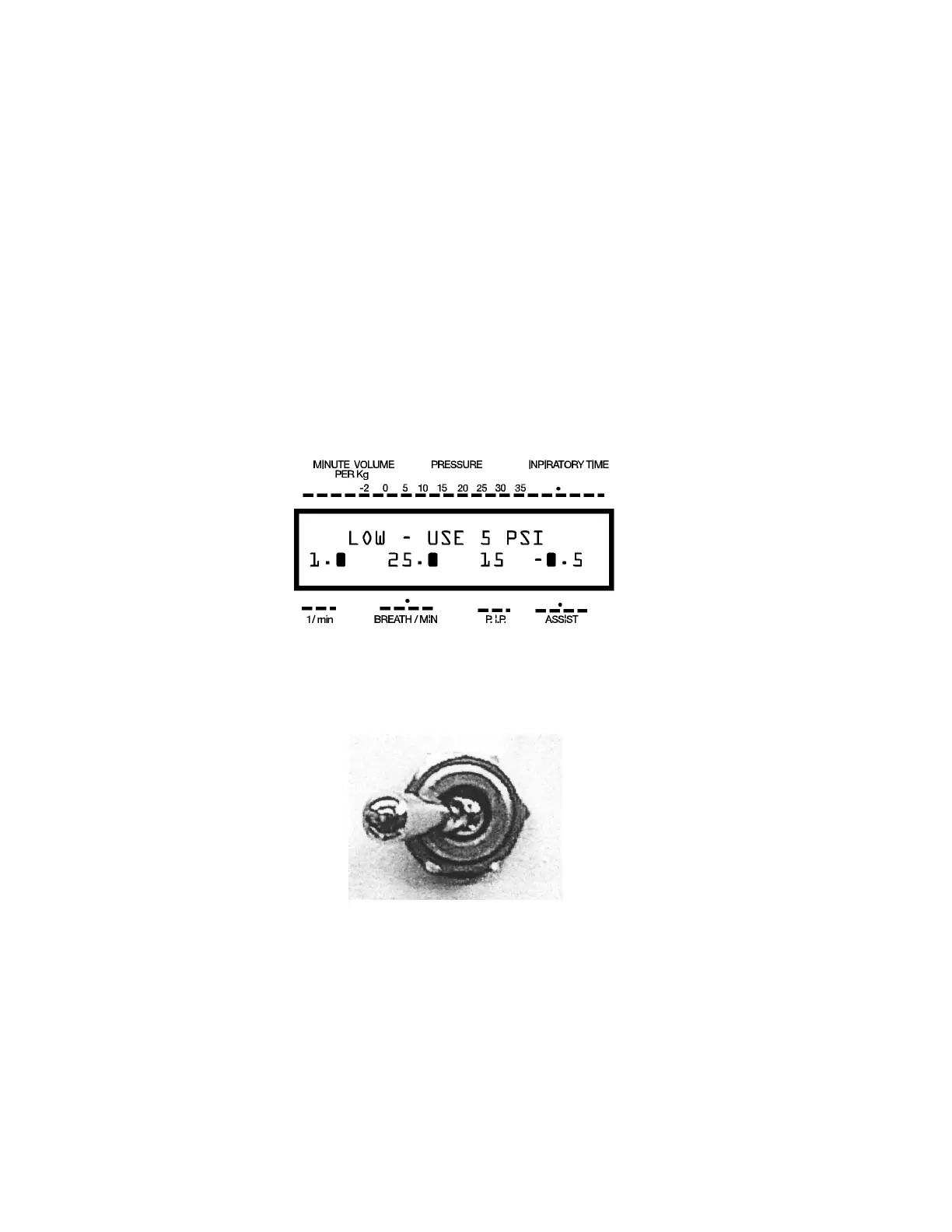
2. Now press the WEIGHT DOWN button until the LCD displays looks like the
example below.
3. On the back panel of the ADS 2000 you will find a TOGGLE SWITCH to select the
pressure - 50 PSI for normal operation (and to start up self test) and 5 PSI for LAB
MODE. Set switch to 5 PSI.
This A.D.S has an
internal regulator for
LAB MODE.
Always begin operation
with an input pressure of
50 PSI
50 PSI / 5 PSI
4. In LAB MODE, the Minute Volume per Kilogram is displayed. Tidal Volume is
available anytime when pressing WEIGHT DOWN while SET / RUN switch is on
RUN.
ADS 2000 Engler Engineering Corporation 25


 To Next Page