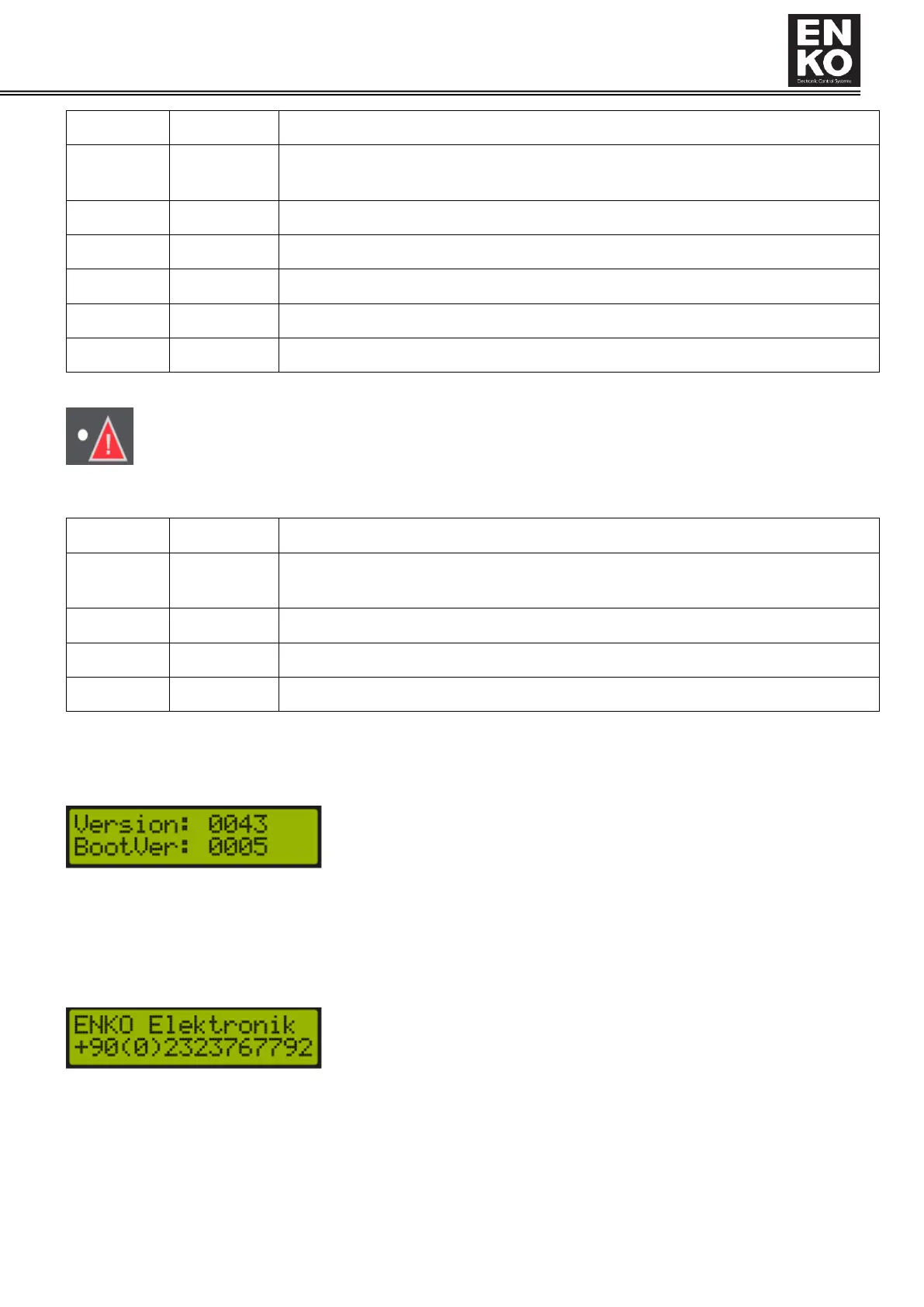
Fault Indicator: Provides information about the fault status in the panel.
In the table below, you can see the operation status of the Led indicator and the explanations of these status.
1.4 Display and Menu Structure
1.4.1 Startup Screen
When the device is turned on for the first time, gives the information specified in the screen below.
Version: Indicates the version of the device software
BootVer: The boot software version of the device
After showing the software version for 3 seconds, the device shows the company information screen below. This
screen can be customized and installed to the device. See application note "Application Note Software Update"
After showing the company information screen for 3 seconds, the device shows the main operation screen.
1.4.2 Main Operation Screen
There are two display pages on the main operating screen of the device. The first is the screen where screw
temperature, supply pressure and compressor status are shown. On the second screen, screw and supply pressure



 To Next Page