Envoy Installation and Operation
2013 Enphase Energy Inc. 141-00011 Rev 05
Viewing the Grid Configuration
To view the grid configuration (trip points profile) for the site, do the following.
NOTE: While Priority Scan is active, power production, power line communication level,
and grid profile information screens continue to display on the Envoy LCD screen.
1. Press and hold the Envoy Menu button. After two seconds the Envoy menu appears.
2. Continue holding the Menu button. When the LCD screen displays View Grid Configuration,
release the Menu button.
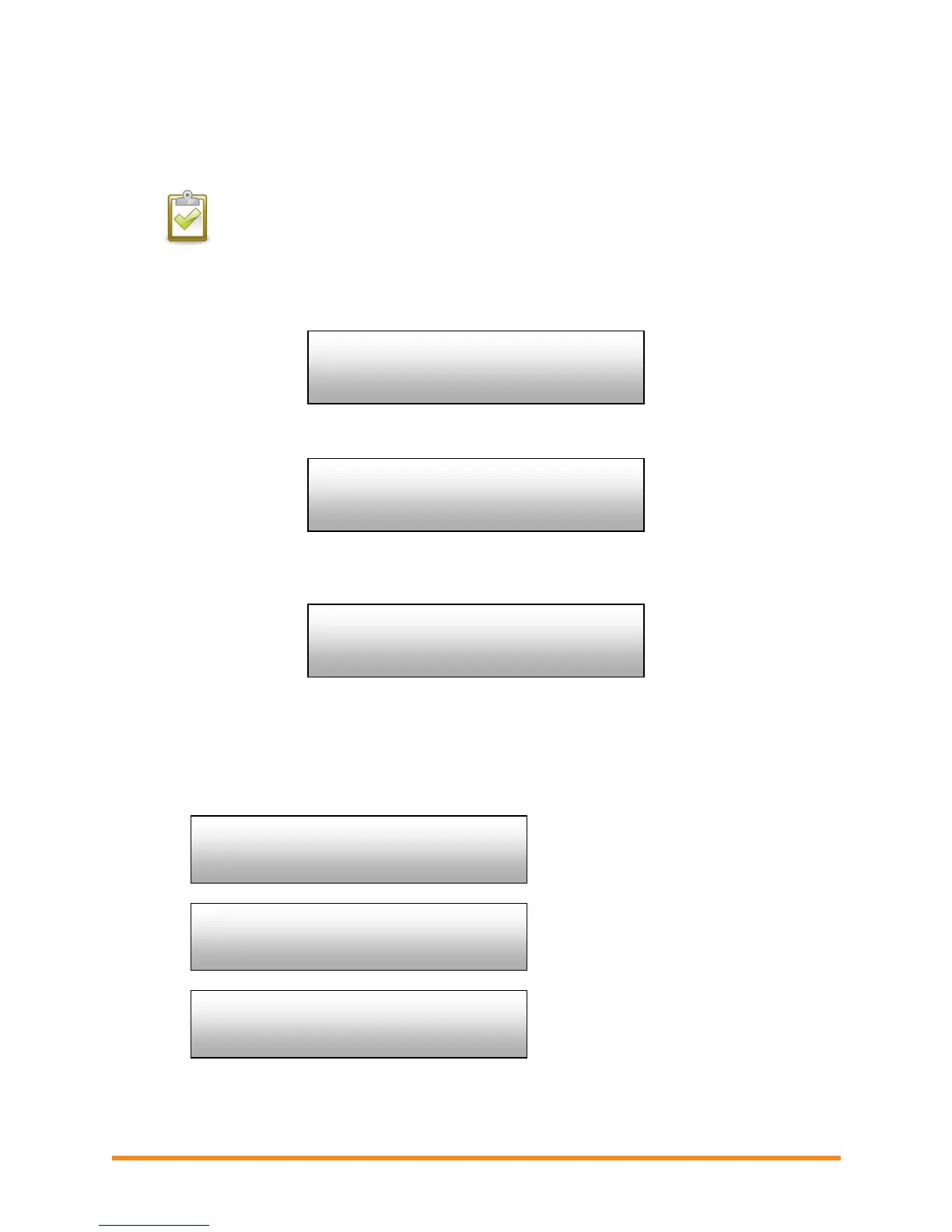
The LCD screen then reads:
If a grid profile has not been applied, the following screen is displayed:
This indicates that the microinverters are not yet configured with a grid profile.
3. If needed, configure the system as described in “Change or View the Grid Profile” on page
38.
If a grid profile has been applied, the following screens are displayed. You can press the
menu button at any time to exit this process.
Number of microinverters detected.
Number of microinverters that cannot be
set with a grid profile.
Number of microinverters that are set
with a grid profile and the name of the
specification being used.
(n)devices are set
with (local spec)
Gathering Grid
Configuration Data


 To Next Page
 Loading...