Envoy Installation and Operation
2013 Enphase Energy Inc. 141-00011 Rev 05
Administration Screen
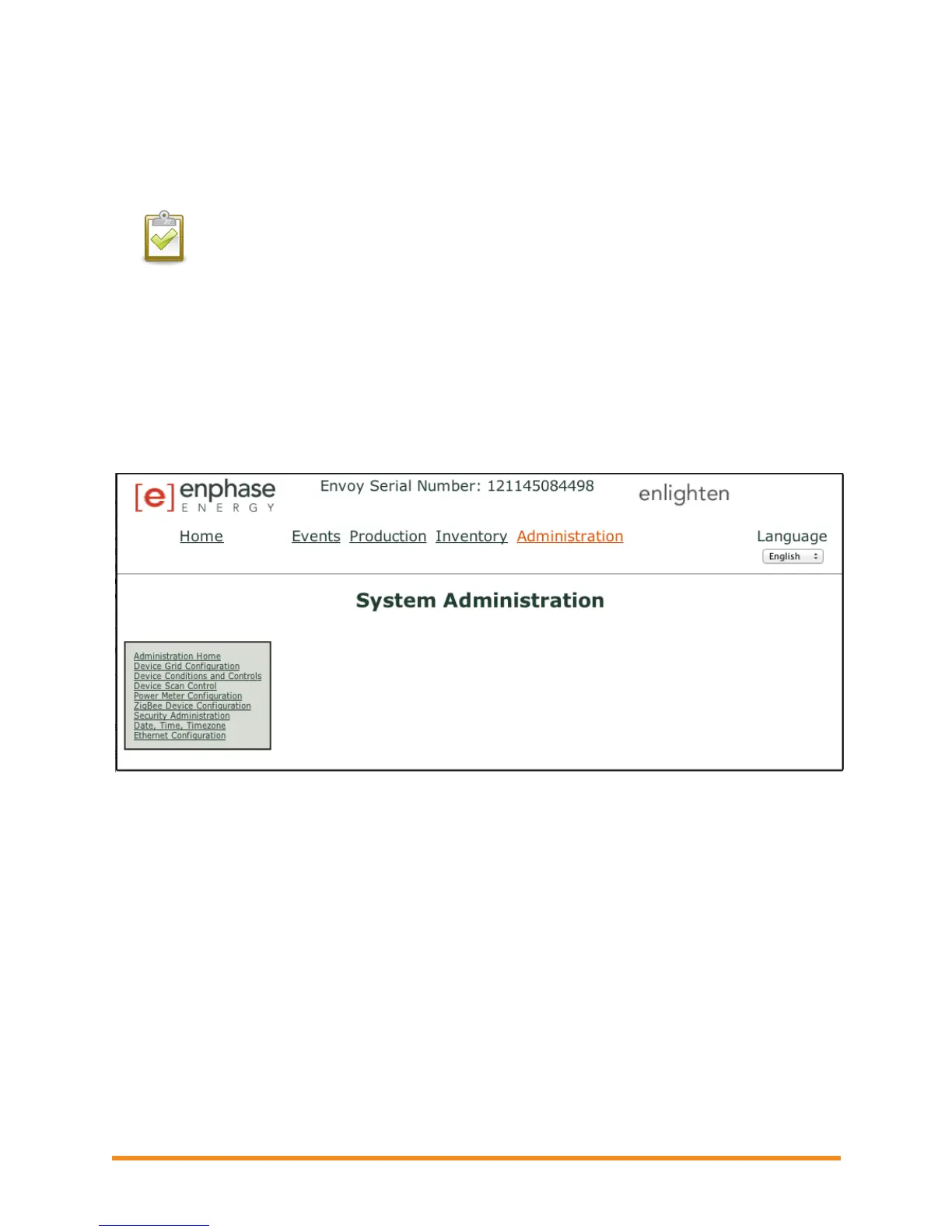
The Administration screen of the Envoy local interface contains several configurable options. Click
Administration to access this menu.
NOTE: For Envoy performance reasons, Enphase does not recommend giving the Envoy a
publicly accessible IP address. However, if you must place the Envoy on a public-facing IP
address, Enphase recommends that you change the Administration password to disallow
unauthorized modification to your Envoy. (This situation is rare, since consumer-grade
routers normally provide the Envoy with an internal network IP address that is not
publicly accessible.)
For reference, your private/internal IP address space will be in the 192.168.x.x, 172.16(-
31).x.x, 10.x.x.x or 169.254.x.x range. If you are unsure if your Envoy is on the public
Internet, contact your network administrator or Internet Service Provider.
The default login credentials for the Administration menu are:
Username: admin
Password: admin
Administration Screen Tasks
The following sections describe several Administration Screen tasks. Perform these tasks only when
needed. Administration tasks include:
Manage the Grid Profile
Clear GFI Tripped Condition
Set Up Device Scan Control
ZigBee Device Configuration
Set Time Zone
Other Administration Tasks


 To Next Page
 Loading...