RAK112B_ENG / 2023-06-27
26 / 40
9.2. Connecting to the charging station
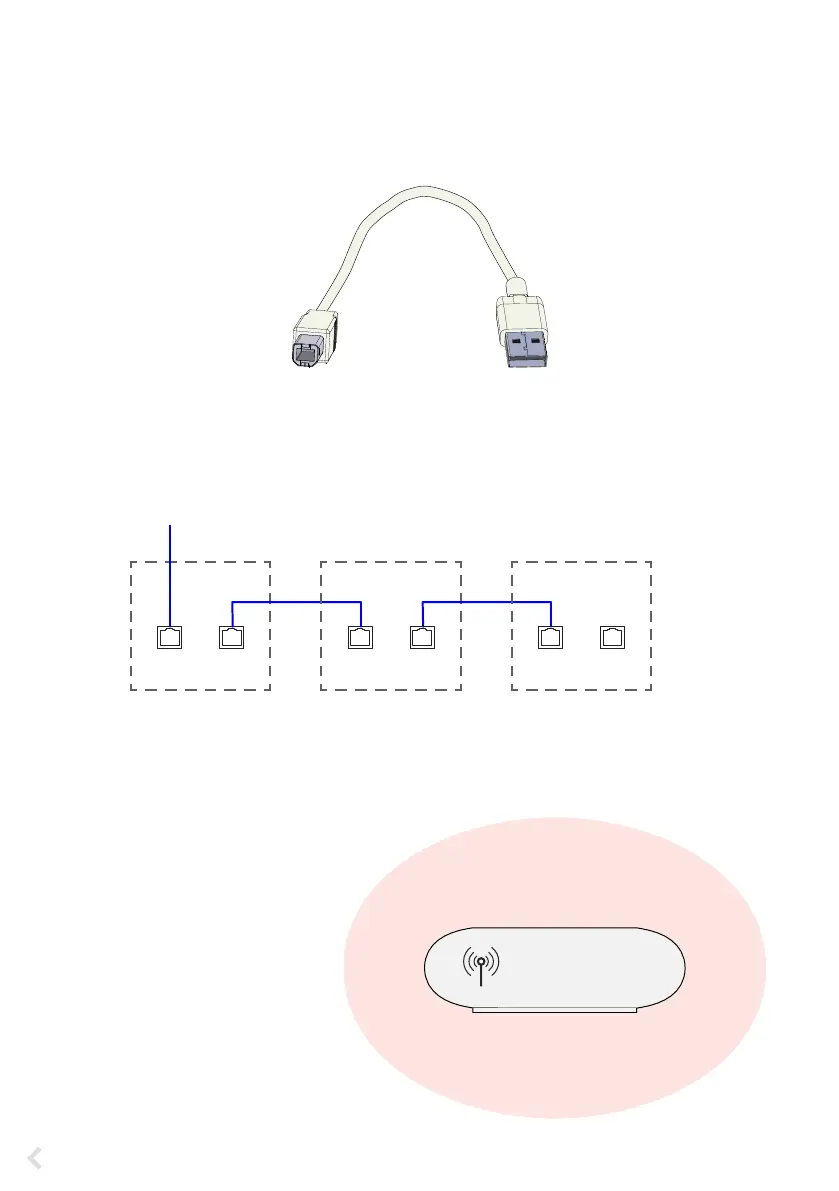
If you want to change the default settings, you must connect to the charging station via web congura-
tion tool to be able to start congure the commissioning settings. Use Firefox, Chrome or Windows Edge
web-browser for conguring.
Chaining the Ethernet connections is allowed.
9.3. Ethernet connections
9.4. WiFi coverage area
Examine the available signal strength
to make sure that the communication
(4G, WiFi), reception and connectivity
are working.
USB B
Connect to the
charging station
USB A
Connect to the
computer
Connect the Ethernet input to the ETH1 connector on
the left side control unit.
Charging station 1 Charging station 2 Charging station 3
ETH 1 ETH 2 ETH 1 ETH 2 ETH 1 ETH 2
IN
EVF...
Front door
max. 10 m in free space


 To Next Page