Reviewing Overall Data and Alarms Reports
dataPAC User’s Guide 77
If you reach the beginning of the route after pressing <DEC> or <SHIFT><SKIP>, the
instrument alerts you with the following message.
z
To continue operation in the current route, highlight OK, and then press <SELECT>.
This action causes the dataPAC to return to the Data Collection window and display the
first point on the route.
z
To switch to a different route, highlight New Route, and then press <SELECT>. In the
Select Route window, highlight a route name and press <SELECT>. Then highlight
DONE and press <SELECT> again.
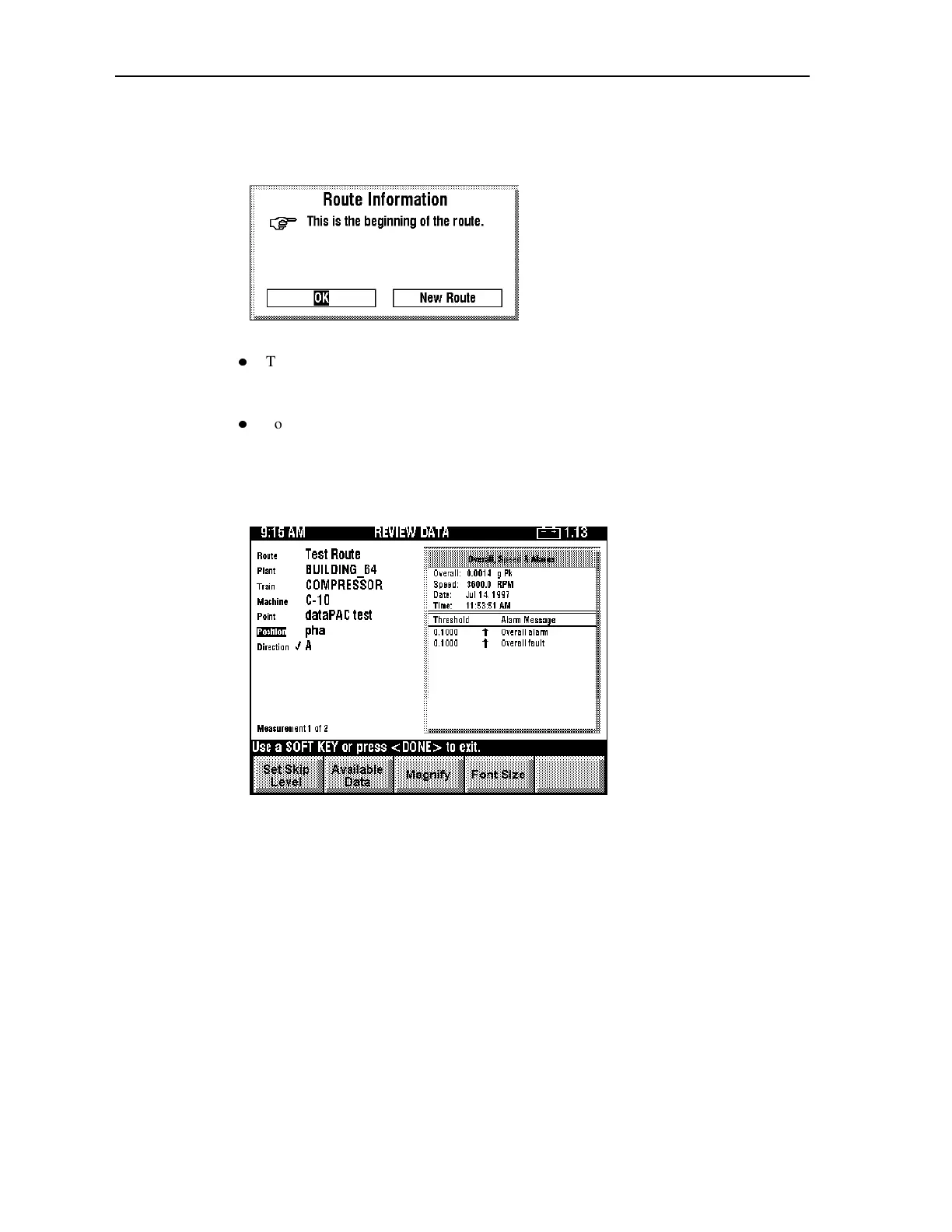
After you make a selection from the Available Data window, the report is displayed in a box
at the right if in reduced mode. The following example shows Overall, Speed & Alarms.
Artisan Technology Group - Quality Instrumentation ... Guaranteed | (888) 88-SOURCE | www.artisantg.comArtisan Technology Group - Quality Instrumentation ... Guaranteed | (888) 88-SOURCE | www.artisantg.com



 To Next Page