74 dataPAC User’s Guide
Chapter 3 - Collecting and Reviewing Data
Reviewing Overall Data and Alarms Reports
There are several functions available to view and analyze data in the dataPAC. This section
discusses the available options for viewing and analyzing overall data, as well as alarms
reports. It also covers navigating through data in the Review Data window.
Overview of the Review Data window
To review previously collected route or off route data, use the arrow keys to select the
Review Data icon in the Program Manager. Press <SELECT> to enter the Review Data
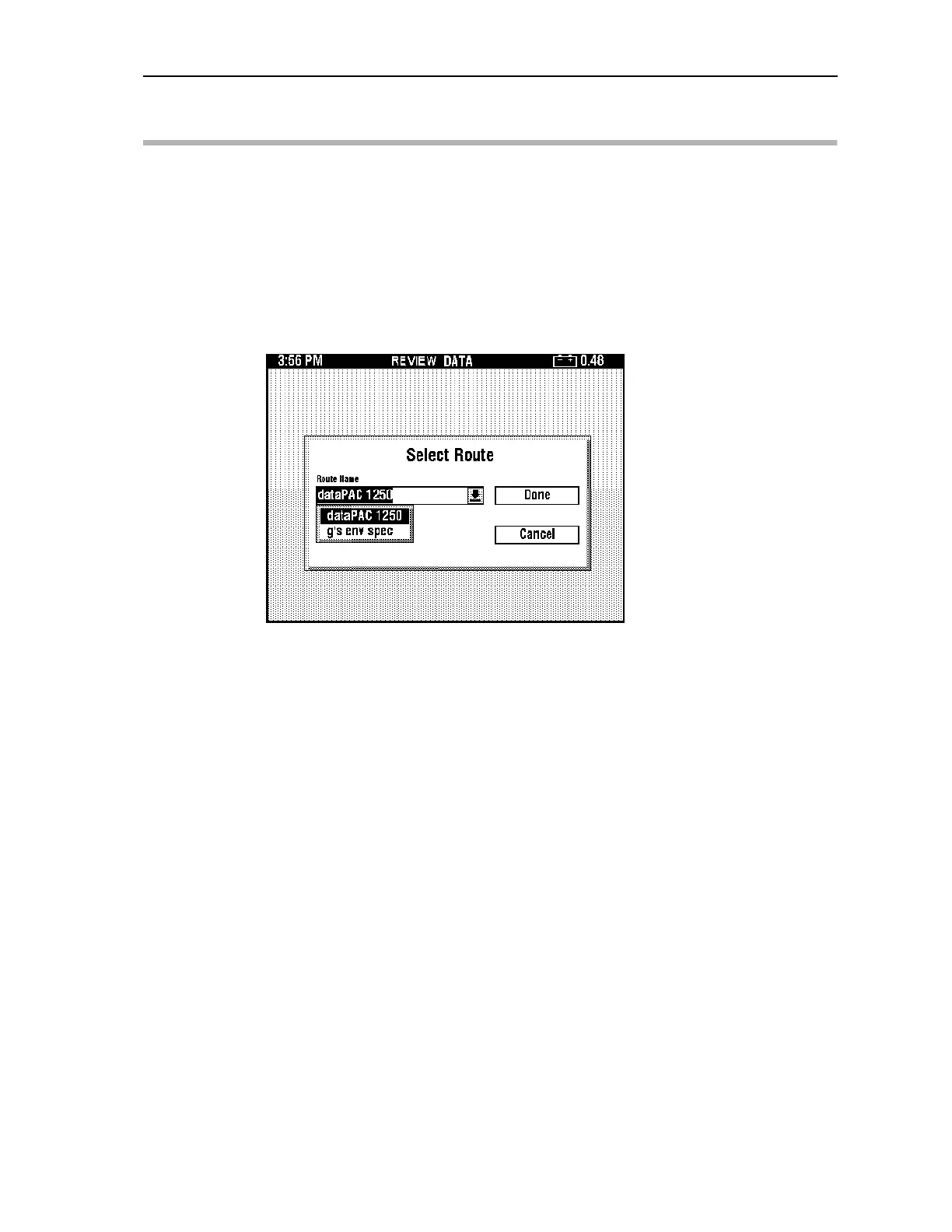
program. When you first open the Review Data program, the Select Route window opens.
Use the arrow keys to highlight the name of the route you want to select, then press
<SELECT>. Make sure that the DONE box in the window is highlighted, then press
<SELECT> again. To leave the Select Route window without selecting a route, highlight
Cancel, then press <SELECT>. The Select Route window does not appear if the Review
Data program is open and a route was already selected.
You can also got to Review Data directly using <SHIFT>F1> (Review Data) from the Data
Collection screen. When you enter Review Data with this method, you automatically go to
the current point.
Artisan Technology Group - Quality Instrumentation ... Guaranteed | (888) 88-SOURCE | www.artisantg.comArtisan Technology Group - Quality Instrumentation ... Guaranteed | (888) 88-SOURCE | www.artisantg.com



 To Next Page