Reviewing Time Waveform Data
dataPAC User’s Guide 95
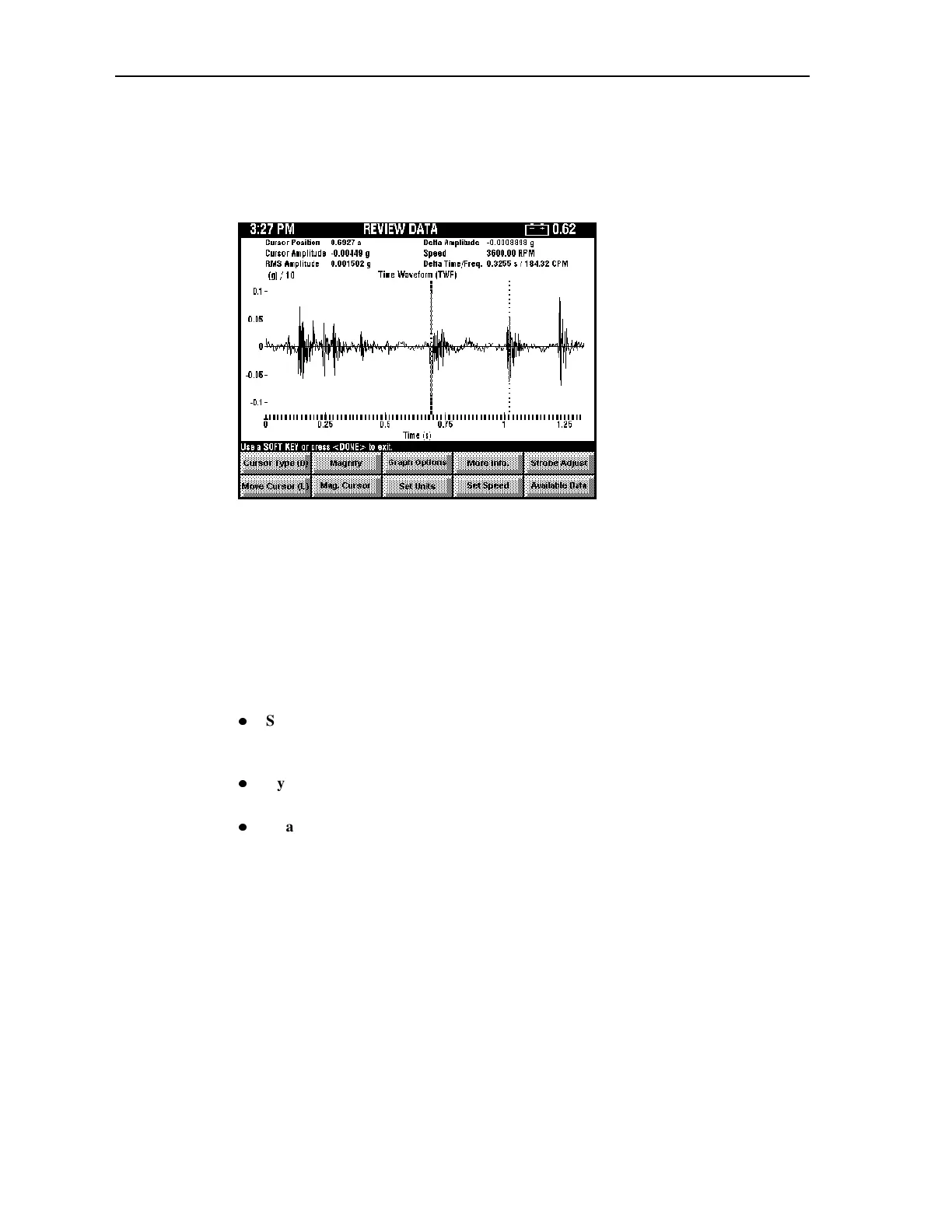
Use the arrow keys to highlight Time Waveform (TWF), then press <SELECT>. The
dataPAC displays a time waveform if it is available. The dataPAC displays the
measurement with the default cursor type. You set the default cursor type in the Setup
Utility. See “Setting Up Time Waveform Options” on page 43 for more information.
Using the Cursors on a Time Waveform Display
Model 1500 Only
Time waveform displays are available only with the dataPAC 1500. Cursors are available to
precisely identify numerical values in a time waveform measurement. Cursors are drawn as
either dashed or dotted lines perpendicular to their associated axis.
Press the arrow keys to activate the cursor and move it along the time waveform. There are
three kinds of cursors available with the time waveform display:
z
Single Cursor - Displays only the horizontal and vertical axis values of the cursor. Use
the right and left arrow keys to move the time cursor and use the up and down arrow
keys to move the amplitude cursor.
z
Cyclic Cursors - Displays several cursors to help identify repeating patterns in the time
waveform. They consist of 1 to 15 vertical dashed lines, spaced at even time intervals.
z
Dual Cursor - The dual time cursors are useful for determining the time between two
points on the time waveform or the time of any given sample relative to the trigger
point.
Artisan Technology Group - Quality Instrumentation ... Guaranteed | (888) 88-SOURCE | www.artisantg.comArtisan Technology Group - Quality Instrumentation ... Guaranteed | (888) 88-SOURCE | www.artisantg.com



 To Next Page