84 dataPAC User’s Guide
Chapter 3 - Collecting and Reviewing Data
To magnify the area between dual cursors
If there are at least three bins between the cursors, then you can press <F2> (Mag Cursor) to
expand the display horizontally to show only those bins that lie between the upper and lower
frequency limits established by the cursors. When the low and high cursors lie at the
extreme edges of the display, the <F2> softkey label is replaced by a label that says Full
Spectrum. Pressing the key under these conditions redraws the display so that the entire
spectral data set is displayed.
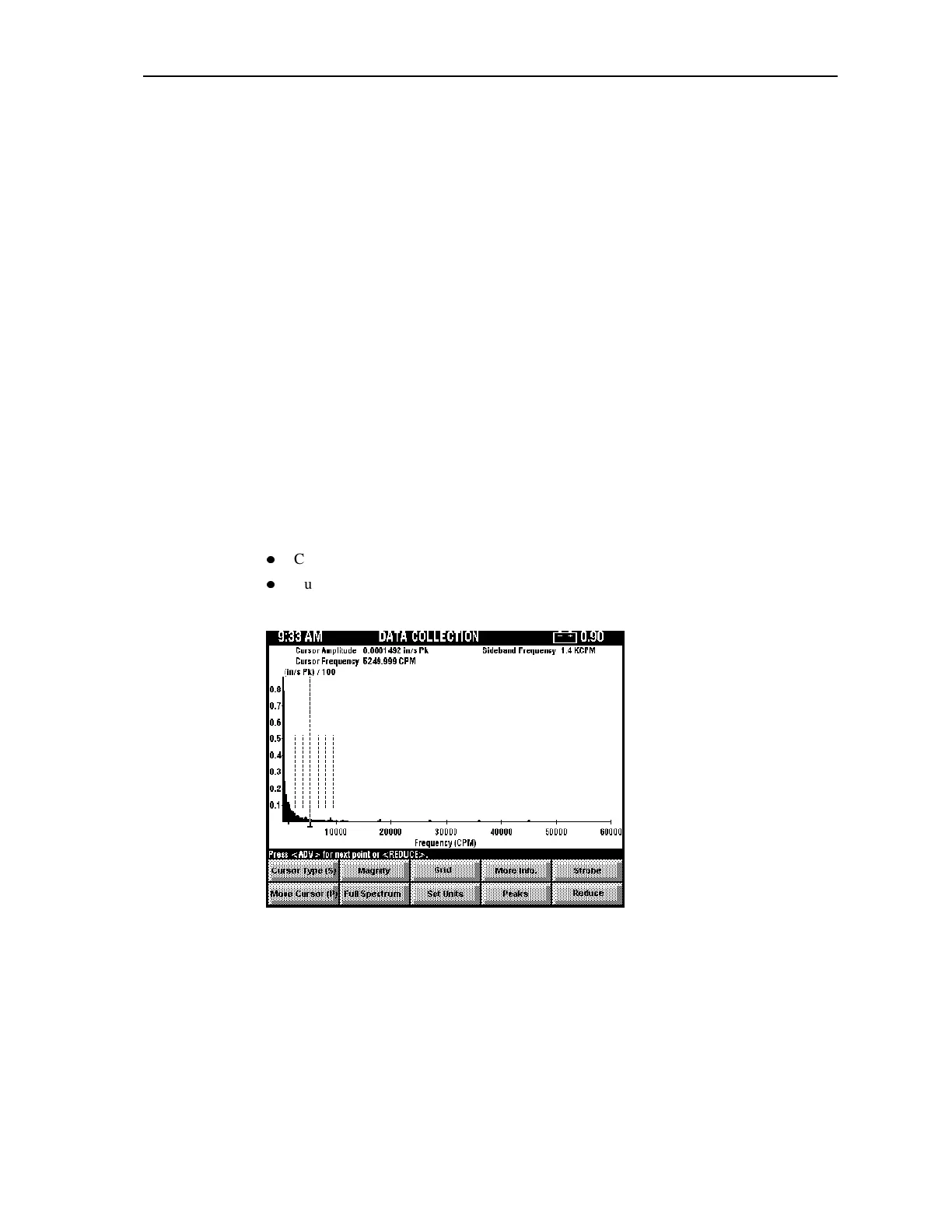
Using Sideband Cursors with a Spectrum
Sideband cursors allow you to display a primary cursor and up to three sideband cursors
placed at equal intervals on either side of the primary cursor. The primary cursor is drawn at
full height, and the sideband cursors are drawn at reduced height.
The frequency of the primary cursor is displayed in the information display at the top of the
screen as “Cursor Frequency” and is updated as you move the primary cursor.
The sideband frequency is displayed in the information display at the top of the screen and
refers to the bandwidth between each sideband marker.
Press <F1> (Move Cursor(P/S)) to toggle between the active cursors for the display. The
letter in parenthesis identifies the current cursor type, which moves when you press the
arrow keys. Cursor types are:
z
Cursor Type (P) = Primary Cursor
z
Cursor Type (S) = Sideband Cursors
Below is a diagram of the FFT Display window with sideband cursors.
To move the primary cursor
When <F1> shows (Move Cursor (P)) the primary cursor is active. Pressing the arrow keys
when the primary cursor is active changes the position of the primary cursor, and the
sideband cursors move with the primary.
Artisan Technology Group - Quality Instrumentation ... Guaranteed | (888) 88-SOURCE | www.artisantg.comArtisan Technology Group - Quality Instrumentation ... Guaranteed | (888) 88-SOURCE | www.artisantg.com



 To Next Page