Using the dataPAC Setup Program
dataPAC User’s Guide 43
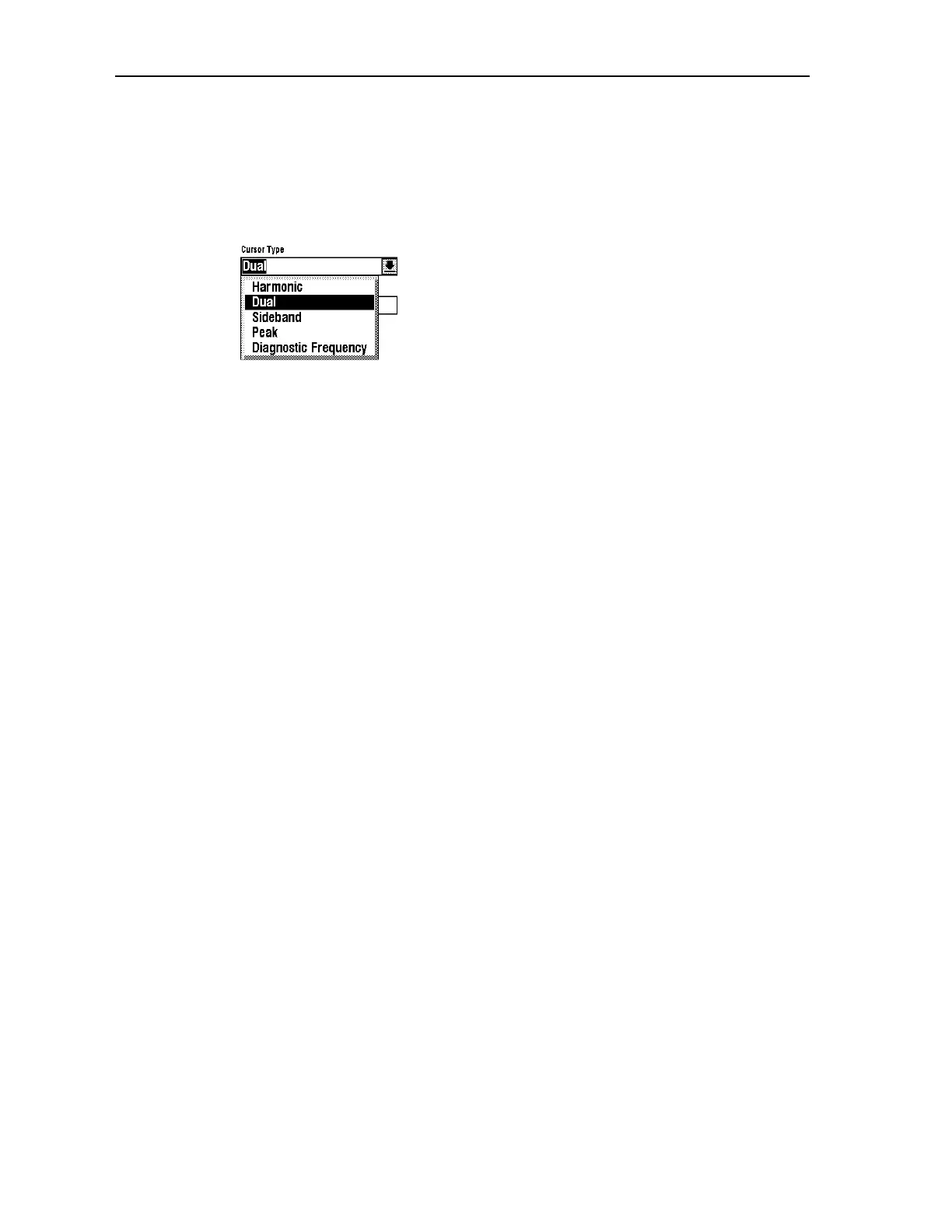
Cursor Type
Use this item to select the default cursor type on the FFT graph display. You can alternate
between cursor modes at display time using a softkey.
To select a default cursor mode, highlight the Cursor type and press <SELECT>. A pop-up
menu appears. Some cursor types may not be available in the 1250.
Use the arrow keys to select among the options. See “Using the Cursors with a Spectrum”
on page 162 for complete information on cursors and cursor modes.
Peak Threshold (Percentage)
Specifies the default position of the amplitude cursor of the FFT display. Peak Threshold is
expressed as a percentage of the highest amplitude signal within the spectral data.
The position of the amplitude cursor is used by the Peak picking function during FFT
display. See “Changing the Spectrum Display” on page 168 for more information on this
function.
Setting Up Time Waveform Options
The Time Waveform Options windows allow you to set up basic functions of the dataPAC.
Enabled options show an X in the checkbox next to them. To change the status of an option,
use the arrow keys to highlight the option, then press <SELECT>. You can save a group of
settings as a named setup so that a user can load it for later use. This setup contains two
pages of information. To choose the other page, press <F5> (Next/Previous Page).
Artisan Technology Group - Quality Instrumentation ... Guaranteed | (888) 88-SOURCE | www.artisantg.comArtisan Technology Group - Quality Instrumentation ... Guaranteed | (888) 88-SOURCE | www.artisantg.com



 To Next Page