Collecting Programmed Data
dataPAC User’s Guide 73
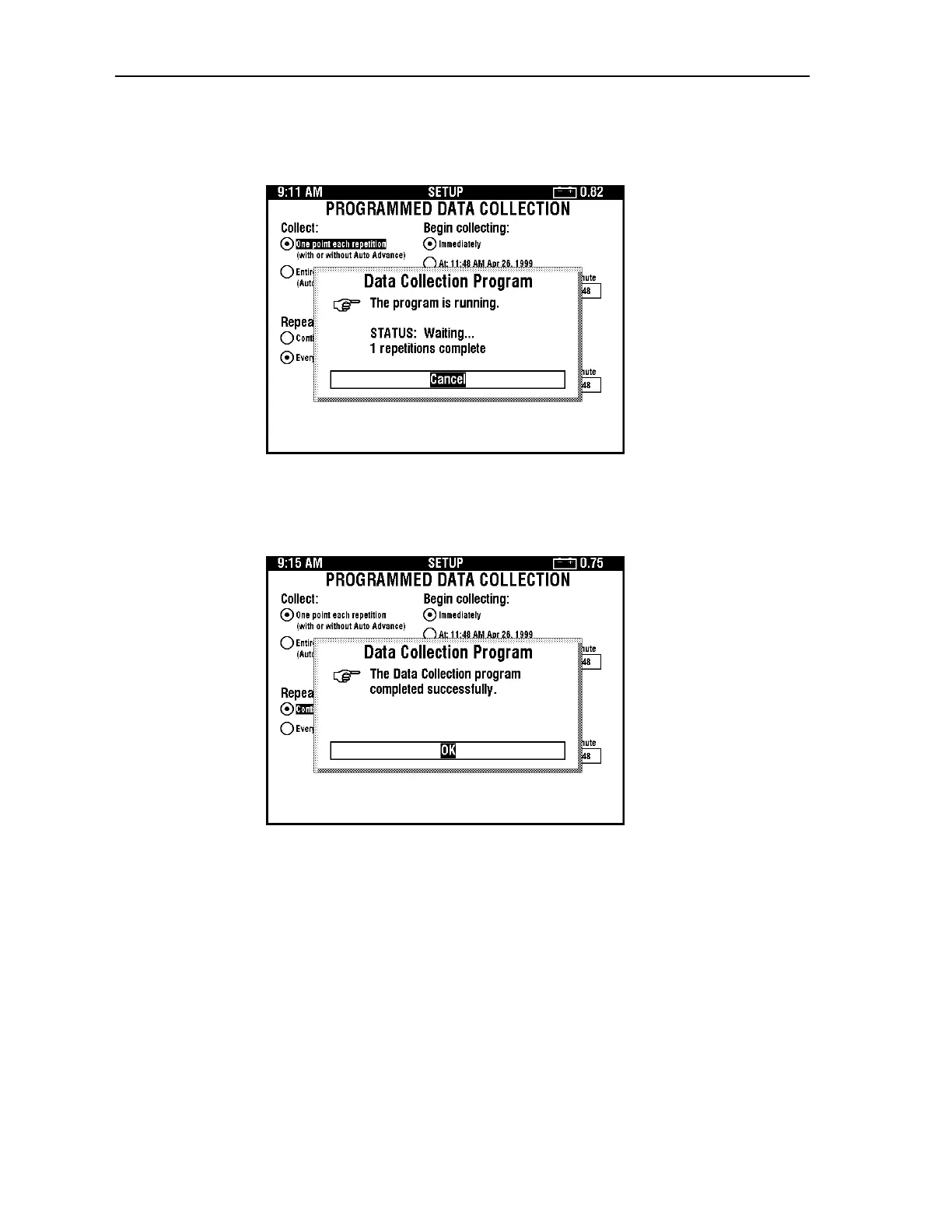
6. Press <SELECT> to start the program. The following dialog box appears. While the
program is running, you cannot do anything else with the dataPAC.
The dataPAC beeps three times to signal when each data cycle has been collected.
7. When the program has completed all data cycles, the following dialog box appears.
Press <SELECT> to finish using programmed data collection.
Artisan Technology Group - Quality Instrumentation ... Guaranteed | (888) 88-SOURCE | www.artisantg.comArtisan Technology Group - Quality Instrumentation ... Guaranteed | (888) 88-SOURCE | www.artisantg.com



 To Next Page