72 dataPAC User’s Guide
Chapter 3 - Collecting and Reviewing Data
4. The dialog box above informs you about the Auto Advance settings. Press <SELECT>.
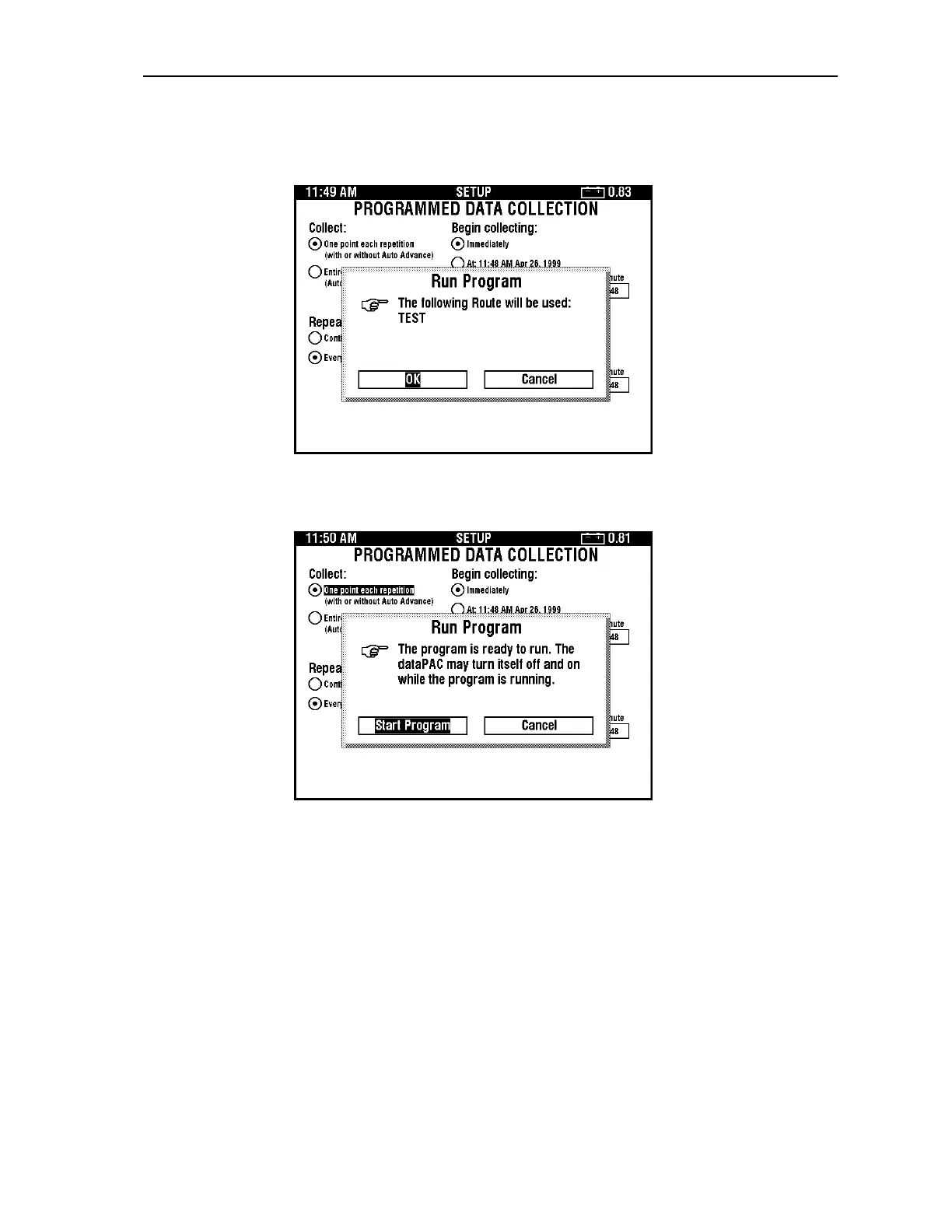
The following dialog box appears.
5. The dialog box above informs you about the route name that will be used. Press
<SELECT>. The following dialog box appears.
Artisan Technology Group - Quality Instrumentation ... Guaranteed | (888) 88-SOURCE | www.artisantg.comArtisan Technology Group - Quality Instrumentation ... Guaranteed | (888) 88-SOURCE | www.artisantg.com



 To Next Page