Collecting Programmed Data
dataPAC User’s Guide 71
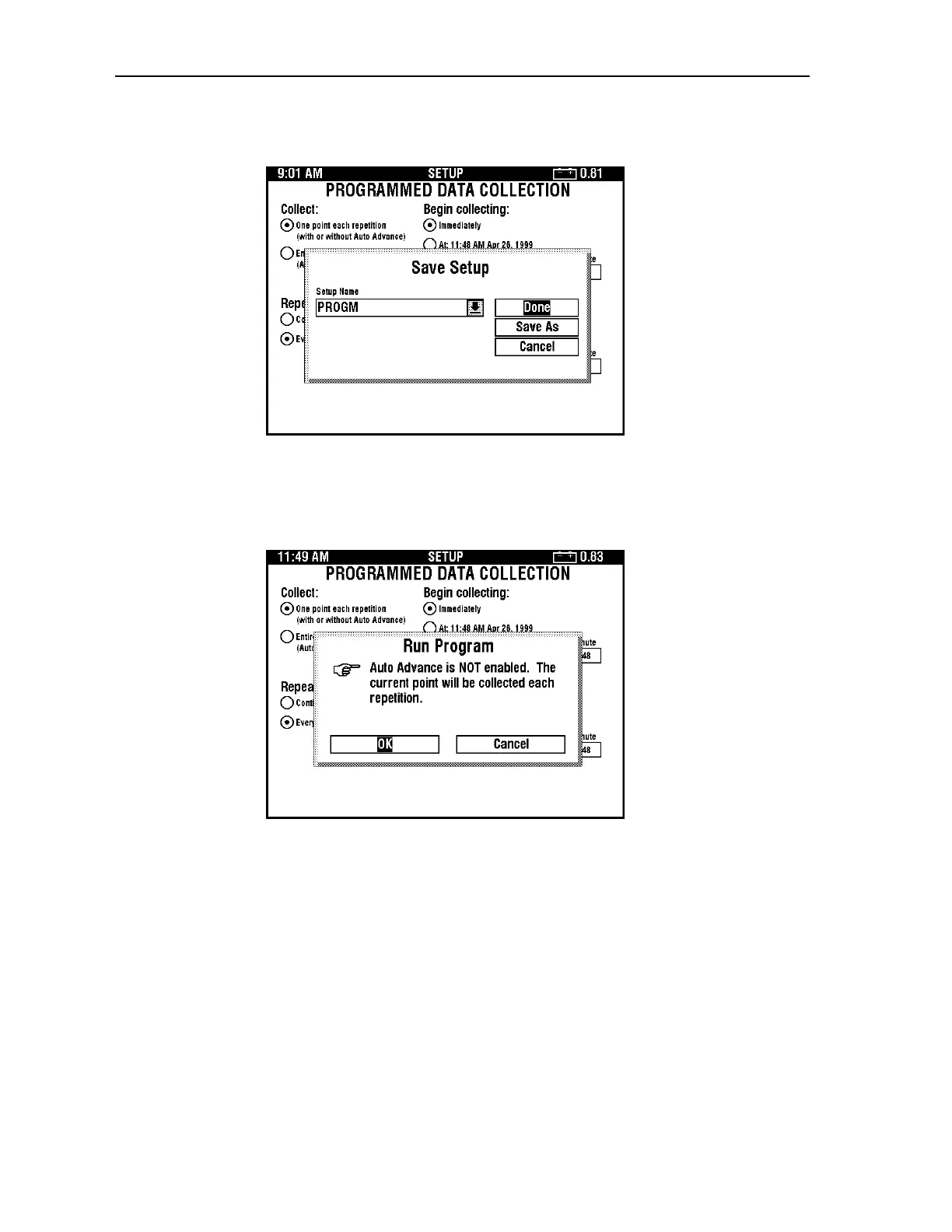
2. Press <SELECT> to save the setup. The following dialog box appears.
Note: If you have not installed a transducer, the dataPAC prompts you to do so. See
“Installing and Defining dataPAC Transducers” on page 48.
3. Press <SELECT> to save the setup with the name in the dialog box. The following
dialog box appears.
Artisan Technology Group - Quality Instrumentation ... Guaranteed | (888) 88-SOURCE | www.artisantg.comArtisan Technology Group - Quality Instrumentation ... Guaranteed | (888) 88-SOURCE | www.artisantg.com



 To Next Page