Reviewing Waterfall Spectra Data
dataPAC User’s Guide 93
To blank out low level noise
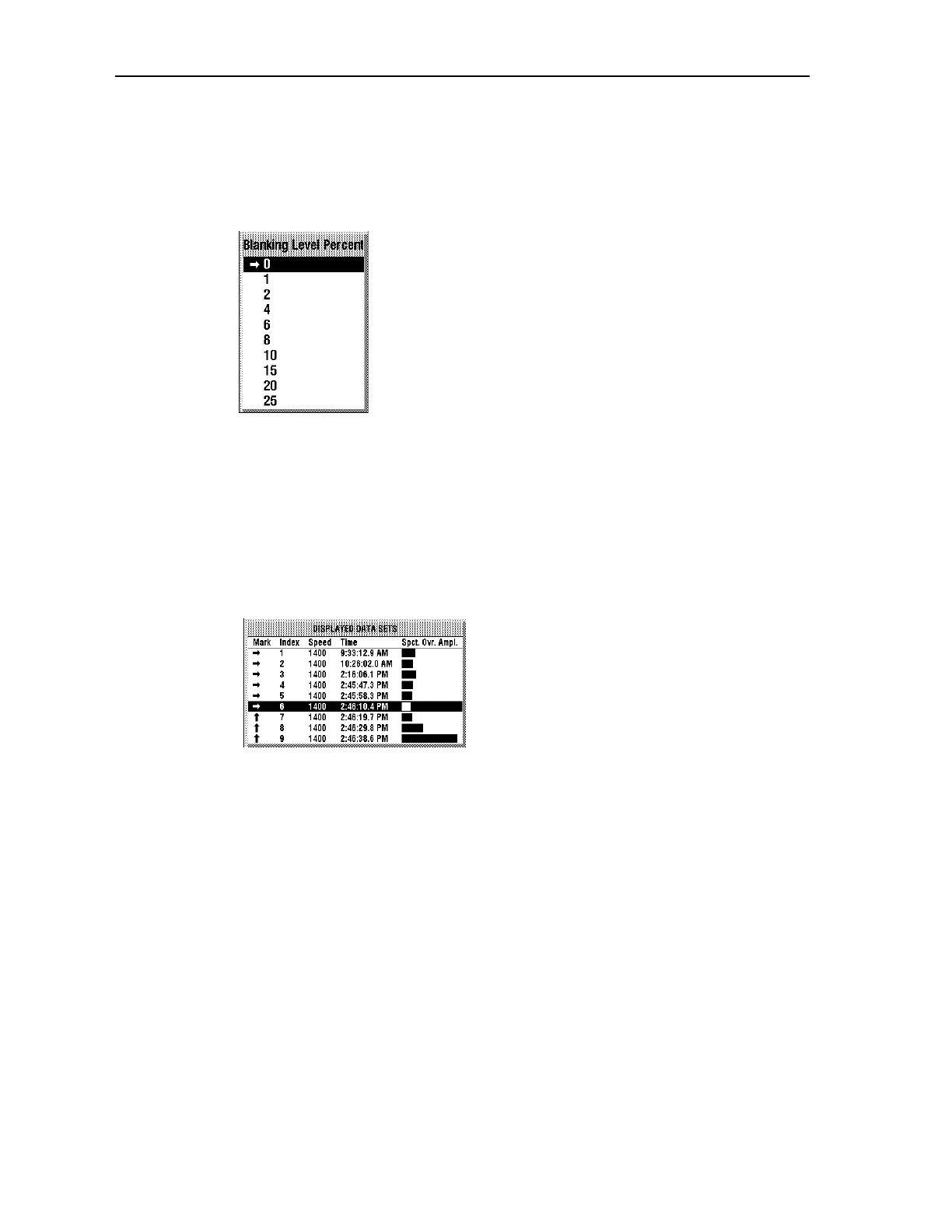
Press <SHIFT><F5> (Blanking Level) to eliminate the display of data below the specified
percent of full scale. This is helpful in eliminating low level noise while displaying the
significant peaks. You select the percent level from the list displayed.
To change the number of FFTs displayed on one page
Press <F2> (Smaller Page) or <SHIFT><F2> (Larger Page) to change the number of FFTs
(from 6 to 24) which are currently displayed on the Data Sets screen. The cursor position
determines the center point of the reduced data set.
To list the stored data sets in a table
Pressing <F4> (Table On/Off) displays (or hides) the Displayed Data Sets window.
All the currently displayed FFTs are listed showing the exact time that the FFT was
captured (to the tenth of a second) and its relative spectral overall amplitude represented by
the bar chart on the right.
Artisan Technology Group - Quality Instrumentation ... Guaranteed | (888) 88-SOURCE | www.artisantg.comArtisan Technology Group - Quality Instrumentation ... Guaranteed | (888) 88-SOURCE | www.artisantg.com



 To Next Page