Quick Start User Guide V2.1
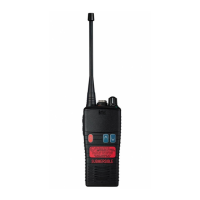
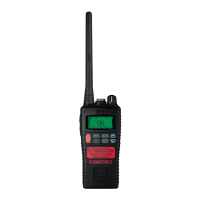
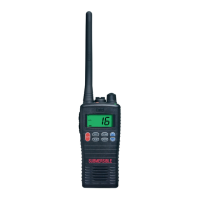
HTx44 Series
HT544 | HT844 | HT944
INTRODUCTION
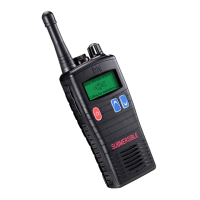
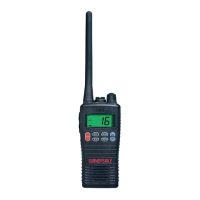
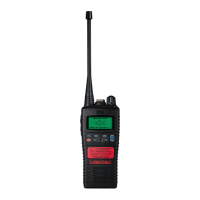
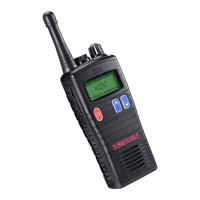
The Entel HTx44 series are a range of professional IP68 submersible
marine handheld transceivers that operate on the VHF marine band. They
have 56 marine international channels and 36 dealer programmable private
channels.
This quick guide provides basic guidance for operating your radio.
A full version of this user guide is available to download from our website.
www.entel.co.uk.
To meet your exact requirements the radio may have been customised by
your Entel dealer. These features will be explained in a separate guide
issued by the dealer.
PACKING LIST
HTx44 Marine VHF transceiver
CNBxxx Rechargeable Li-Ion battery
CBH950 Spring loaded belt clip
CCAHT Trickle charger pod
CAT40 High efciency antenna
CWCHT Mains adaptor
OPTIONAL ACCESSORIES
Attaching and removing accessories
To attach an accessory, remove the accessory cover by unscrewing the
locking screw anti-clockwise (leave the cover attached or store in a safe
place).
Plug the accessory into the socket, then carefully
tighten the locking screw clockwise until nger tight
(do not overtighten or use any implement)
To remove an accessory, unscrew the locking
screw of the accesso r y by hand in an anti - cl o c k wi s e
direction.
Ensure you re-t the accessory socket cover (the
radio is not submersible without the socket covered)
BATTERY INFORM ATION
Battery charging
1. Connect the AC adapter to the charger pod and plug in.
2. Turn the transceiver off.
3. Insert the battery pack into the charger pod, either with or without the
transceiver attached. The charger LED status light changes to red and
charging begins.
4. When charging is complete, the charger status LED changes from red
to green (a fully discharged battery pack will take approximately 6 hours
to recharge).
A ashing red LED on the charger indicates there is a problem with the
battery. Remove the battery from the charger and consult your Entel Dealer.
CAUTION
BATTERY PACK PRECAUTIONS
• Do not recharge the battery pack if it is already fully charged. Doing so
may cause the life of the battery pack to shorten or the battery pack may
be damaged.
• After charging is complete, remove the battery from the charger. If the
power to the charger is turned off and on again, charging will restart and
the battery will become overcharged.
• Please ensure that the radio is turned off before placing it in the charger
and never switch a radio on whilst in the charger.
• Only use Entel branded battery pack and chargers.
• Do not short the battery terminals or dispose of the battery in a re.
• Do not charge the transceiver and/or battery pack if they are wet.
DANGER
DO NOT DISASSEMBLE OR MODIFY THE BATTERY IN ANY WAY!
Your Entel battery pack incorporates safety circuitry to avoid danger. If the
safety circuitry is damaged or bypassed, or the battery cells are damaged
directly, they may generate extreme heat, smoke, rupture and emit ames.
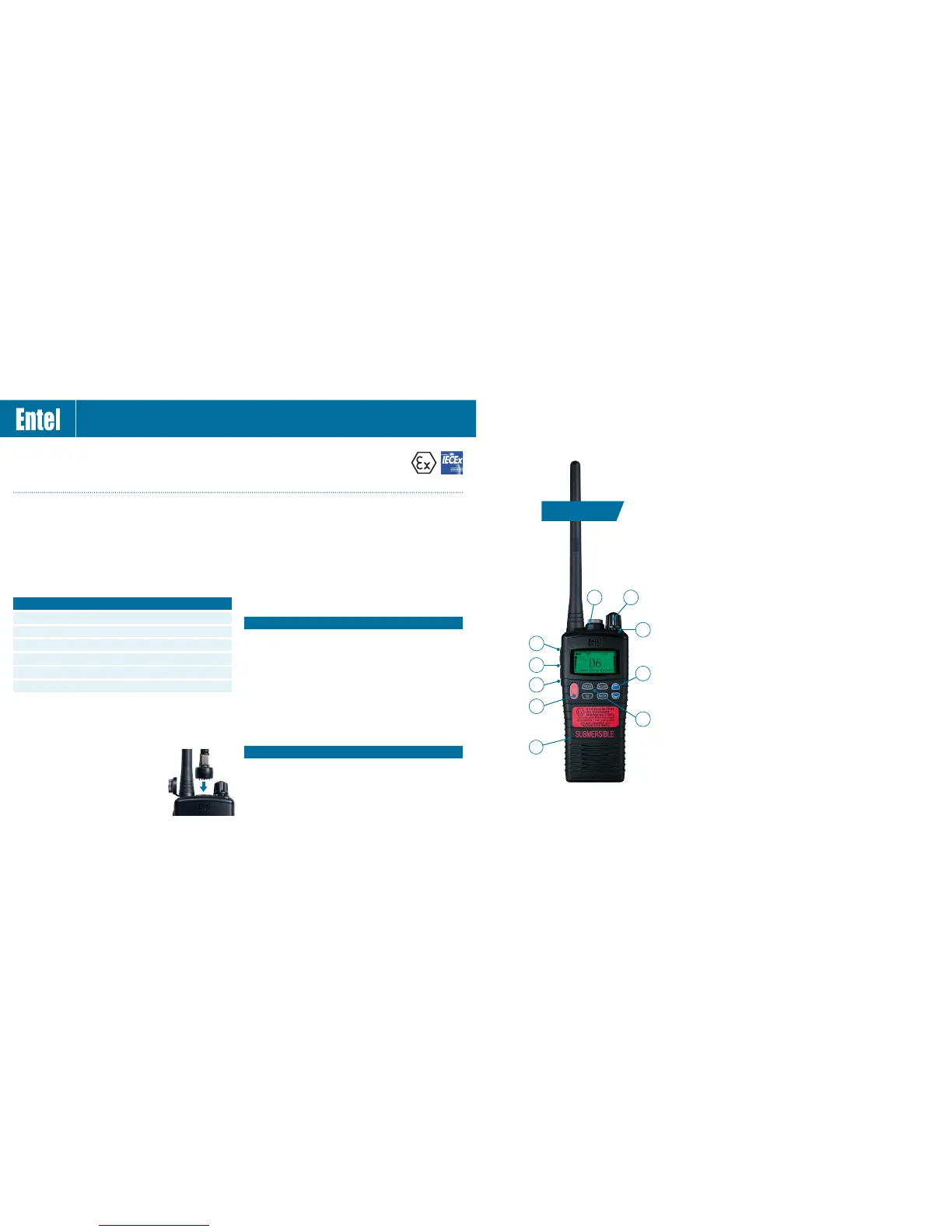
CONTROLS & INDICATORS
Above approvals apply to specic models only
2
3
7
6
8
1
5
4
5
7 KEY LCD
1. On/Off button. Press and hold to turn the radio on or off
2. Volume control
3. Channel up / down buttons
4. Push To Talk (PTT) button. Press to speak and release to listen
5. Dealer programmable button (ask your dealer for more information).
6. LED Indicator
Red steady - Transmitting
Red ashing slowly - Battery needs recharging
Green - Receiving
7. Change channel mode from INT/USA/CAN
8. MEM Button: Adds or removes the currently selected channel to or
form the scan list
SCAN Button: Starts/stops scanning the channels added to the scan
list plus CH16
16 Button: Toggles between the currently selected channel and
channel 16
MON Button: Short press momentarily opens squelch. Long press
latches squelch open (short press re-sets)
9. Microphone
9
T
a
l
k
H
e
r
e



 To Next Page