Preparing Your Radio For Use
5
6
a
b
4
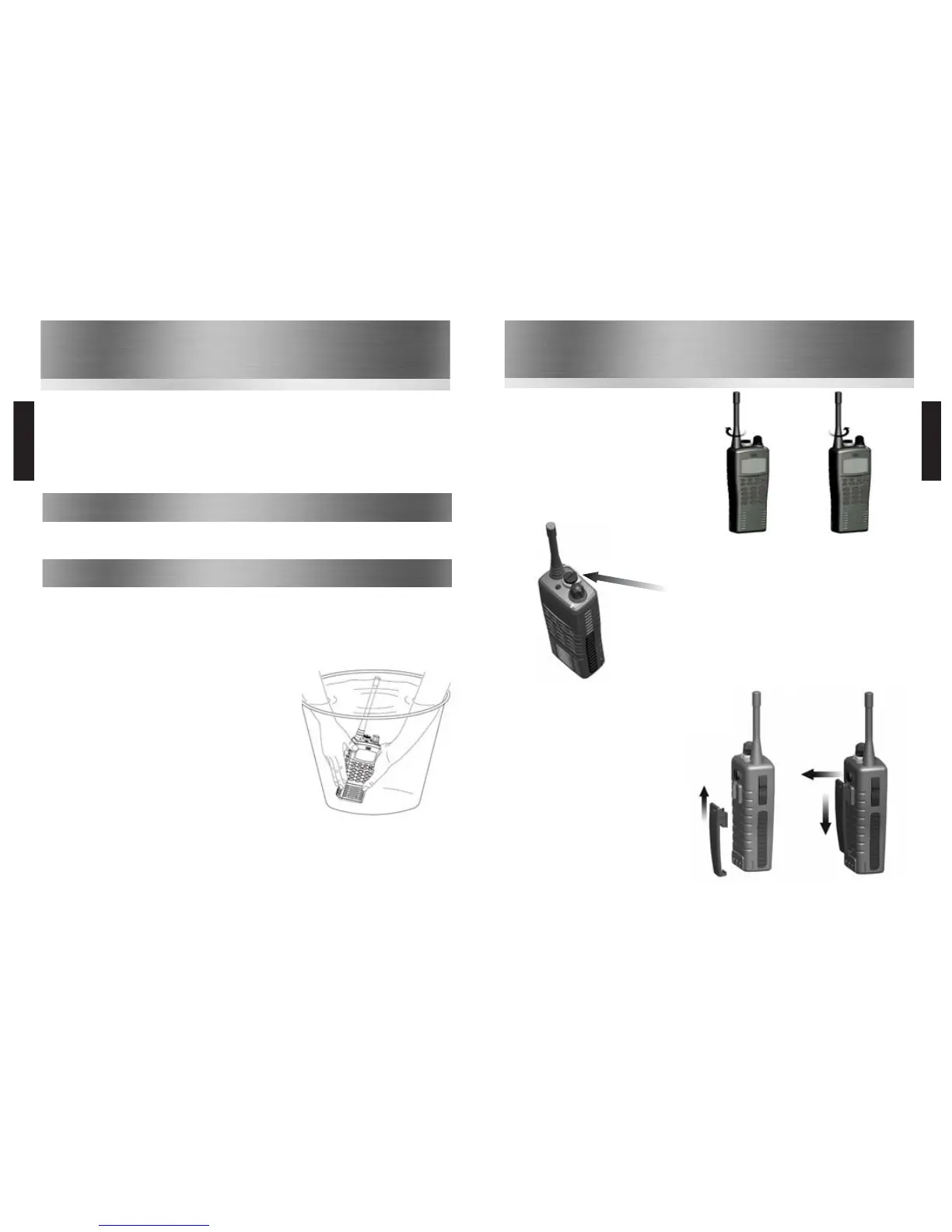
Attaching / Removing the Belt Clip
5
To attach, slot the clip onto the slot on the
back of the battery and slide up until you hear
a “click”
6
To remove, pull the tab towards the belt clip
(
a
). Then slide the belt clip downwards (
b
)
Attaching / Removing the Aerial
1
To attach, carefully align the aerial with the
socket. Screw in the aerial clockwise (taking care
not to cross the thread) until it is seated firmly
with the accessory cover’s rubber ring between
the aerial & the the top of the radio.
2
To remove, unscrew the aerial anti-clockwise.
1
2
Attaching / Removing Audio Accessories
3
To attach, remove the accessory cover by unscrewing the locking
screw anti-clockwise (leave cover secured under
antenna as this provides a waterproof seal). Attach accessory
plug by locating over the socket. Carefully tighten the locking
screw clockwise until finger tight (do not tighten with a
screwdriver etc).
4
To remove, unscrew accessory plug the locking screw by hand
in an anti-clockwise direction (carefully use a coin or
screwdriver if too tight). Ensure you re-fit the accessory
waterproof cover so as to protect the accessory socket.
Common
Warranty
The HT54x comes with a 24 month warranty,
for details see our full terms & conditions.
Advice
• Do not use options or accessories not
specified by Entel
• Ensure that the radio is used within the
parameters for which it was designed
• Please switch the transceiver off before
connecting optional accessories
Warning
Turn the transceiver off in the following locations:
• In explosive atmospheres (flammable gas, dust
including metallic & grain powders etc)
• Whilst taking on fuel or while parked near a fuel
station
• Near explosives or blasting sites
• In aircraft, medical institutions or near persons
known to be wearing a pacemaker
Caution
• Do not disassemble or modify the transceiver
for any reason
• Do not transmit while touching the antenna
terminal or any exposed metallic parts of the
aerial as this may result in a burn
• Please check and observe regulations in your
country with regard to use whilst driving
End of Life Disposal
When your Entel transceiver reaches the end of its useful life,
please ensure that the unit is disposed of in an environmentally
friendly way. For country specific information please see
www.entel.co.uk/recycling
.
Cleaning your Radio
After exposure to any potentially corrosive substance
including salt water it is recommended to thoroughly wash
the transceiver in fresh water. If washing with the battery
removed from the radio, ensure that the battery is not
immersed in water & that the accessory cap is attached &
clean only with a damp cloth.
3
Introduction
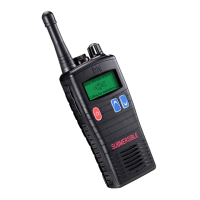
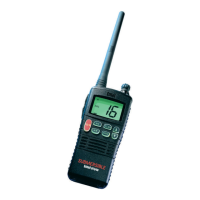
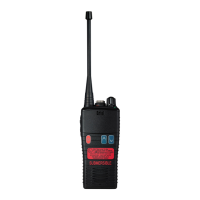
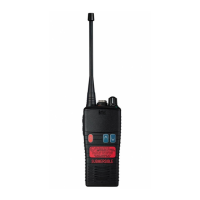
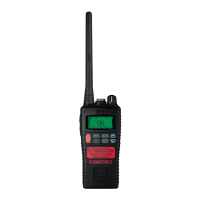
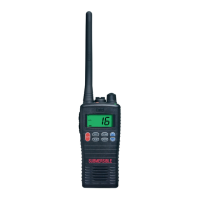
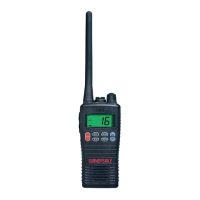
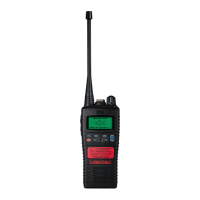
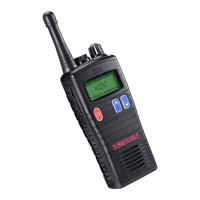
The HT54x are professional marine handheld transceivers that operate on the VHF marine band.
The HT544 has 58 international marine channels and 36 dealer programmable private channels. The 58
marine channels are switchable to comply with International, USA or Canadian regulations, which can be
done directly via the radio’s keypad using the screen’s LCD. It has an emergency channel, which can be
immediately selected from any channel using the 16 button. The HT542 has 16 channels within the marine
band.
The HT54x commercial grade HT Series 2.0 portables utilise the latest intelligent Lithium-Ion battery
technology and includes the following features: scan, battery life indicator, VOX (voice operated transmit)
and low battery indicator.
• HT54x Transceiver
• CNB550E Rechargeable 1800mAh Li-Ion battery
• CBH750 Spring loaded belt clip
Packing List
• CATXX Antenna
• CCA trickle charger included with certain models
Radio Care
Note: Do not
wash the
transceiver if
you suspect the
waterproofing
seal may be
damaged. Please
return to your
supplier for
inspection /
repair.
Common



 To Next Page