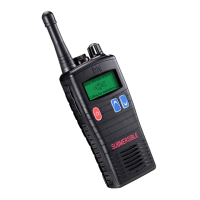
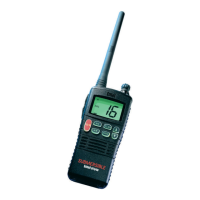
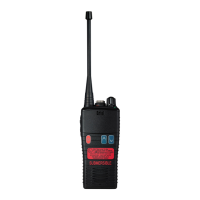
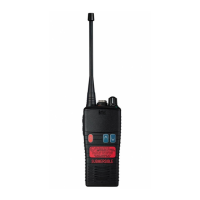
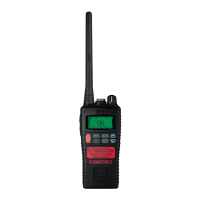
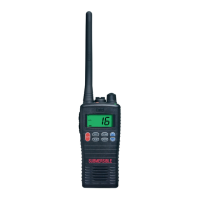
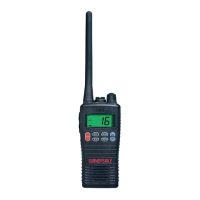
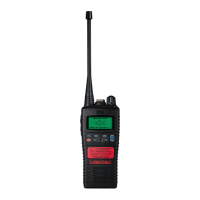
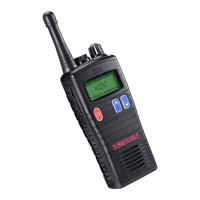
Standard Features:
• Environmentally protected to IP68 i.e. submersible to 5 metres for up to 60 minutes.
• Robust design, exceeds MIL-STD-810C/D/E/F.
• LCD screen to display channel number & current settings \ status.
• 1800mAH Lithium-Ion battery for superior operational time.
• INT, USA, CAN channels.
• Full transmit power output 5 Watts.
• Exceptionally loud & clear audio .
• Ch 16 \ 9 shortcut button.
• WX shortcut button.
• Scan button.
• Monitor button.
• MEM button.
• Automatic power save to further increase operational time.
• Low battery alert indicates when the battery needs charging or replacing.
• Battery charge count to indicate when a battery needs replacing.
Dealer Programmable Features:
• Key lock button
• Prefixed minimum volume level and fixed bleep level
• VOX (Voice Operated Transmit) Function.
HT544
10
H542
HT544
9
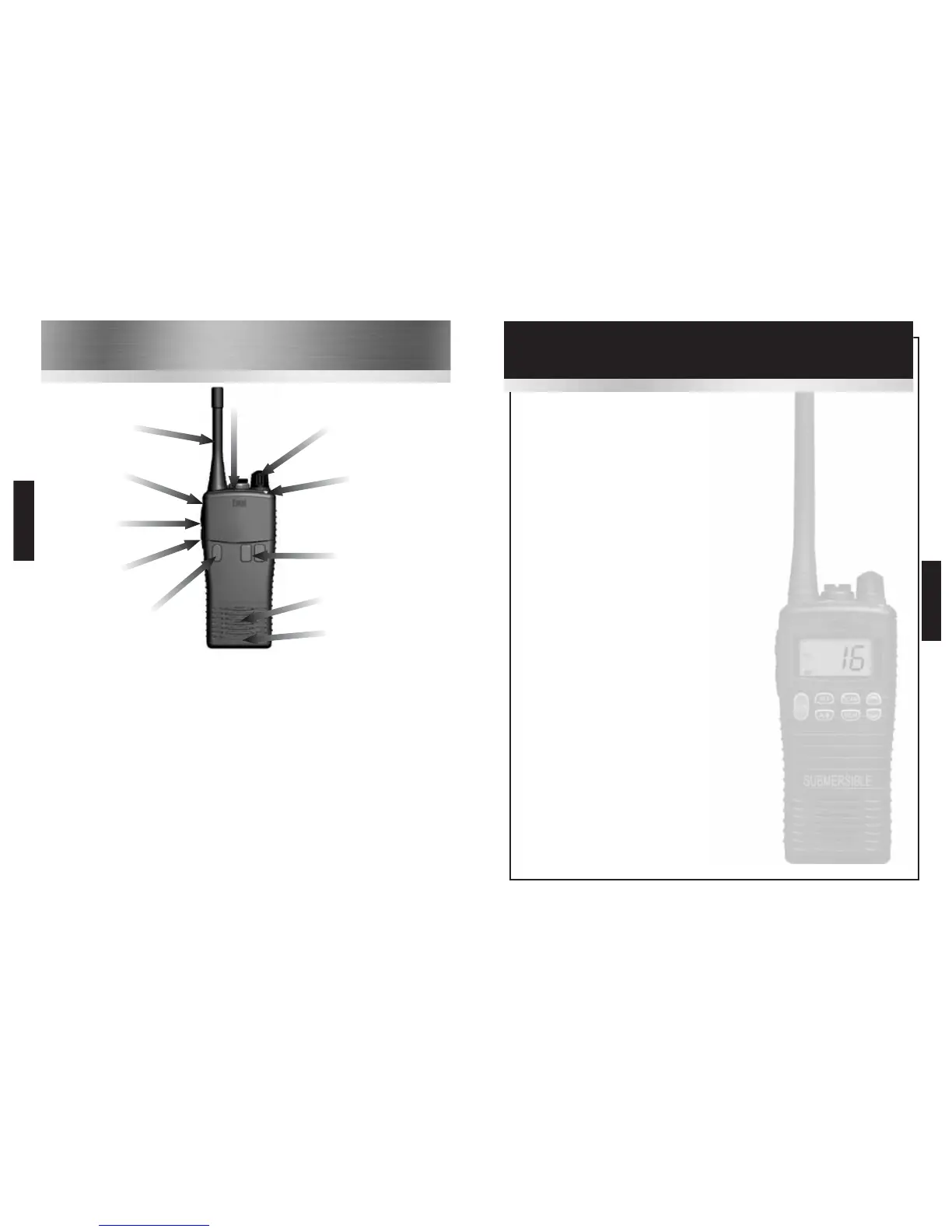
Controls & Indicators
3
Channel / Scan
control
Antenna
5 Dealer
programmable
button 1
4
Push To Talk
(PTT) button
6
Dealer
programmable
button 2
1
On / Off
2
Volume control
Speaker
Microphone
1
On / Off button. Press to turn radio on, press and hold to turn off.
2
Press up / down buttons to increase / reduce volume.
3
Channel / Scan control. Rotate to select the desired channel or scan setting.
4
Push To Talk (PTT) button. Press to speak and release to listen.
5
Dealer programmable button 1 (ask your dealer for more information).
6
Dealer programmable button 2 (ask your dealer for more information).
7
Dealer programmable button 3 (ask your dealer for more information).
8
LED indicator.
• RED steady = Transmitting
• RED flashing slowly = Battery needs re-charging
• GREEN steady = Receiving
• YELLOW steady = Non valid signal detected
• YELLOW flashing rapidly = Scanning
7
Dealer
programmable
button 3
8
LED indicator



 To Next Page