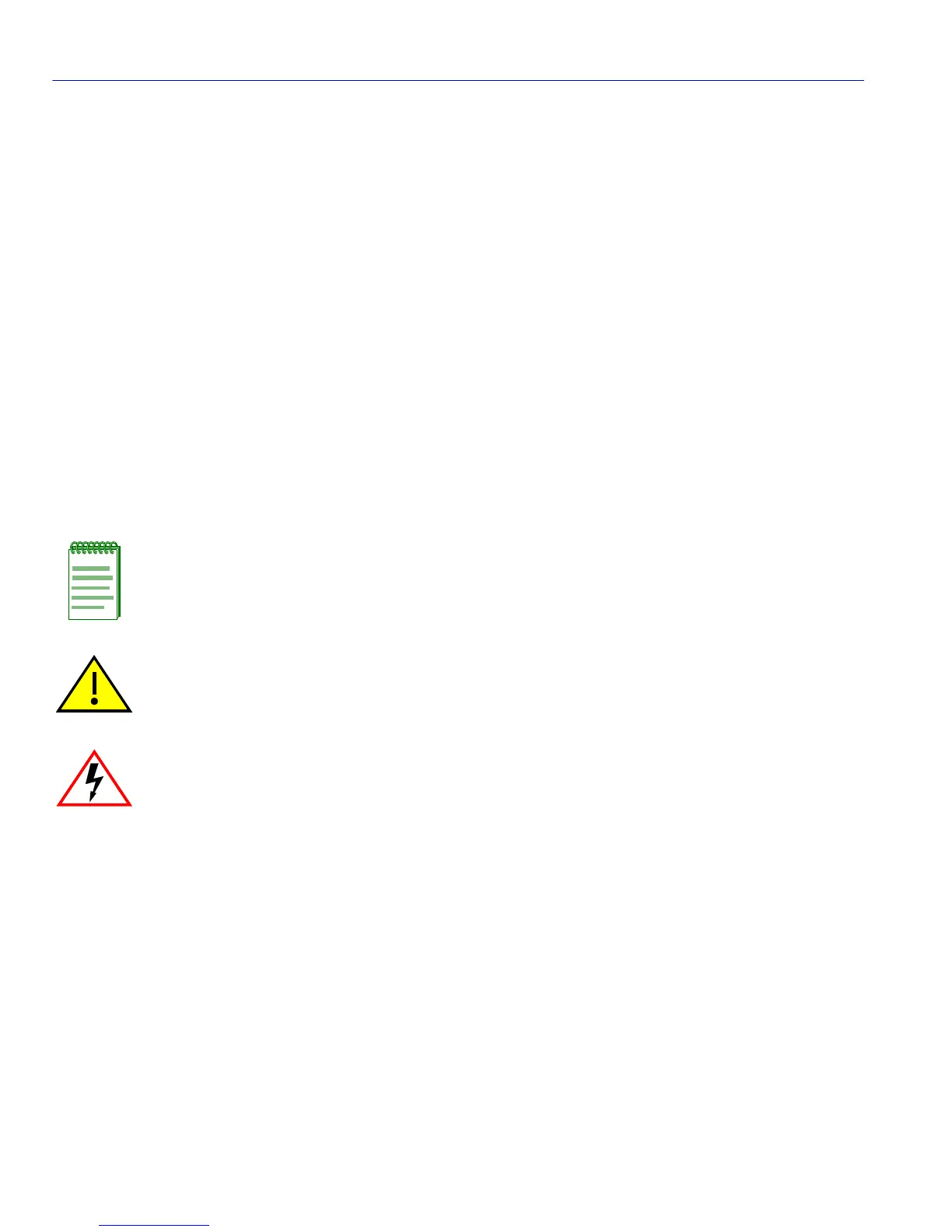
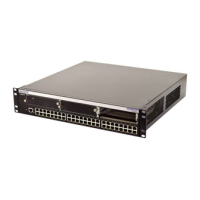
Using the Matrix E7 6C107 Chassis Series Manual Set
xii About This Guide
USING THE MATRIX E7 6C107 CHASSIS SERIES MANUAL SET
Separate manuals have been developed for the interface modules that can be installed in the
Matrix E7 chassis. These manuals explain how to install the modules into the Matrix E7 chassis,
how to attach cable segments to the modules, and how to configure the modules using Local
Management after installation is complete. The specifications for modules are included in each
manual.
Each manual in this set assumes that the qualified personnel installing the module has a general
working knowledge of data communications networks and their physical layer components.
Manuals can be accessed on the World Wide Web, using the following url:
http://www.enterasys.com/support/manuals/
DOCUMENT CONVENTIONS
Throughout this guide the following symbols are used to call attention to important information.
Note symbol. Calls the reader’s attention to any item of information that may be
of special importance.
Caution symbol. Contains information essential to avoid damage to the
equipment.
Electrical Hazard Warning symbol. Warns against an action that could result
in the presence of an electrical hazard.


 To Next Page